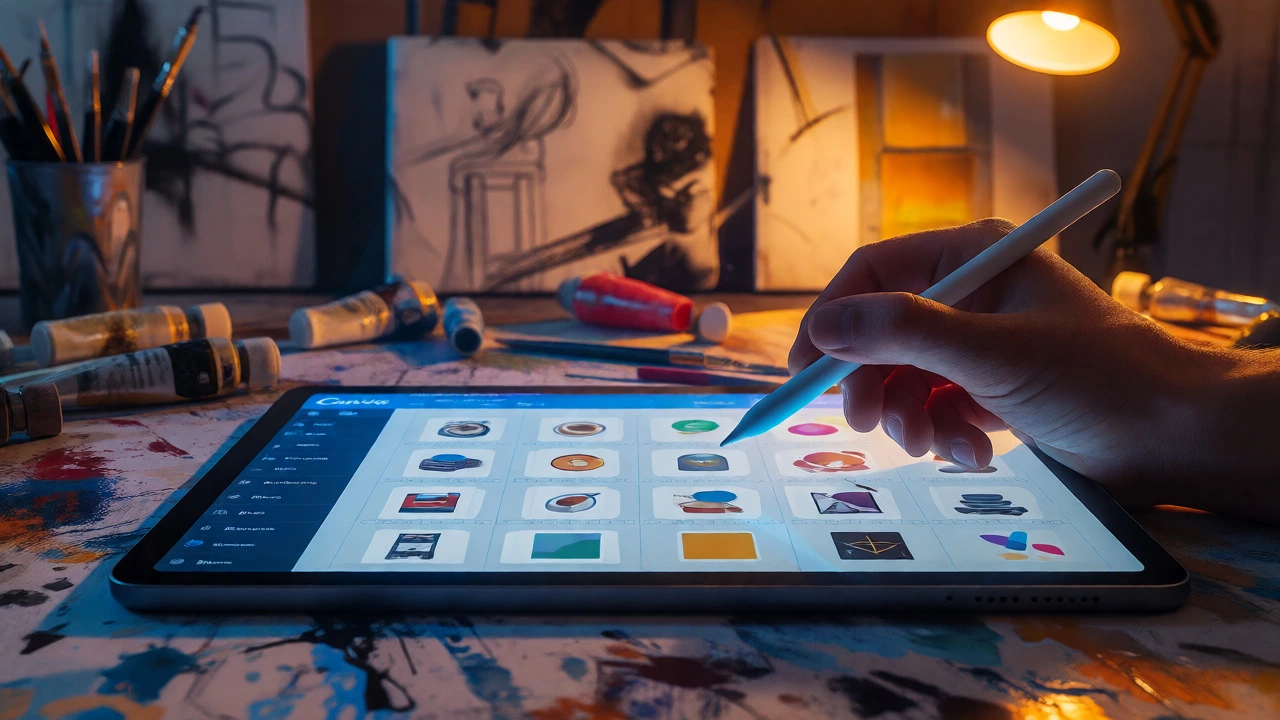
Is Canva Digital Art? The Truth About Design Tools
Explore whether Canva qualifies as digital art. We analyze the line between graphic design and artistic creation, the role of templates, and how AI impacts authorship.
Welcome to the digital art hub where you can turn a simple sketch into a polished online piece, learn the basics of digital painting, and avoid costly copyright mistakes. Whether you’re brand new to tablets or already selling templates on Etsy, this page gives you the tools you need to move forward fast.
First thing’s first: get your paper drawing onto the screen. Scan or snap a photo of your sketch, then open it in a program like Photoshop, Krita, or Procreate. Adjust the brightness so the lines pop, and set the layer mode to "Multiply" so you can paint on top without losing the original outline. If you don’t have a drawing tablet, a mouse works for basic coloring, but a cheap stylus can make the process smoother.
Next, pick a color palette that matches the mood of your piece. Start with flat colors, then add shading using a soft brush. Shortcuts like holding Shift while dragging a line can keep edges clean, and using layer groups keeps your file organized. When you’re happy with the result, export as a PNG for web use or a high‑resolution JPEG for prints.
Want to transform a photo into a digital painting? Load the image, apply a filter that mimics brush strokes, then manually enhance details where the algorithm falls short. Play with opacity and blend modes to keep the texture natural. A few clicks plus a bit of hand‑painting can turn a vacation snap into gallery‑ready art.
Creating digital art is fun, but selling it brings legal questions. If you use elements from third‑party sites—fonts, stock photos, or pre‑made graphics—make sure the license allows commercial use. For platforms like Canva, the free elements are often limited to personal projects; you’ll need a Pro subscription or a separate commercial license to sell templates.
When you list a product on Etsy or another marketplace, clearly state what the buyer can do with the file. Most creators allow personal use and limited commercial use, but restrict redistribution. Adding a simple license file to each download helps protect your work and sets expectations.
Another tip: watermark your preview images with a faint logo or text. This deters casual stealing while still showing the design. If you discover your art being used without permission, send a polite takedown request first; many sellers will comply without a legal battle.
Finally, think about NFTs if you want to explore blockchain ownership. NFTs can add a layer of proof that you own the original file, but they also bring extra costs and a learning curve. Decide if the extra exposure is worth the effort before jumping in.
All these steps—digitizing sketches, mastering painting tools, and handling the legal side—combine to make a solid digital art workflow. Use the guides above as a checklist, experiment with different software, and keep reading our posts for fresh ideas. The digital art world moves fast, but with the right basics you’ll stay ahead and turn your creativity into income.
Explore whether Canva qualifies as digital art. We analyze the line between graphic design and artistic creation, the role of templates, and how AI impacts authorship.
You don't need a government license to sell original digital art. Learn about copyright, asset licenses, and trademarks to sell safely.
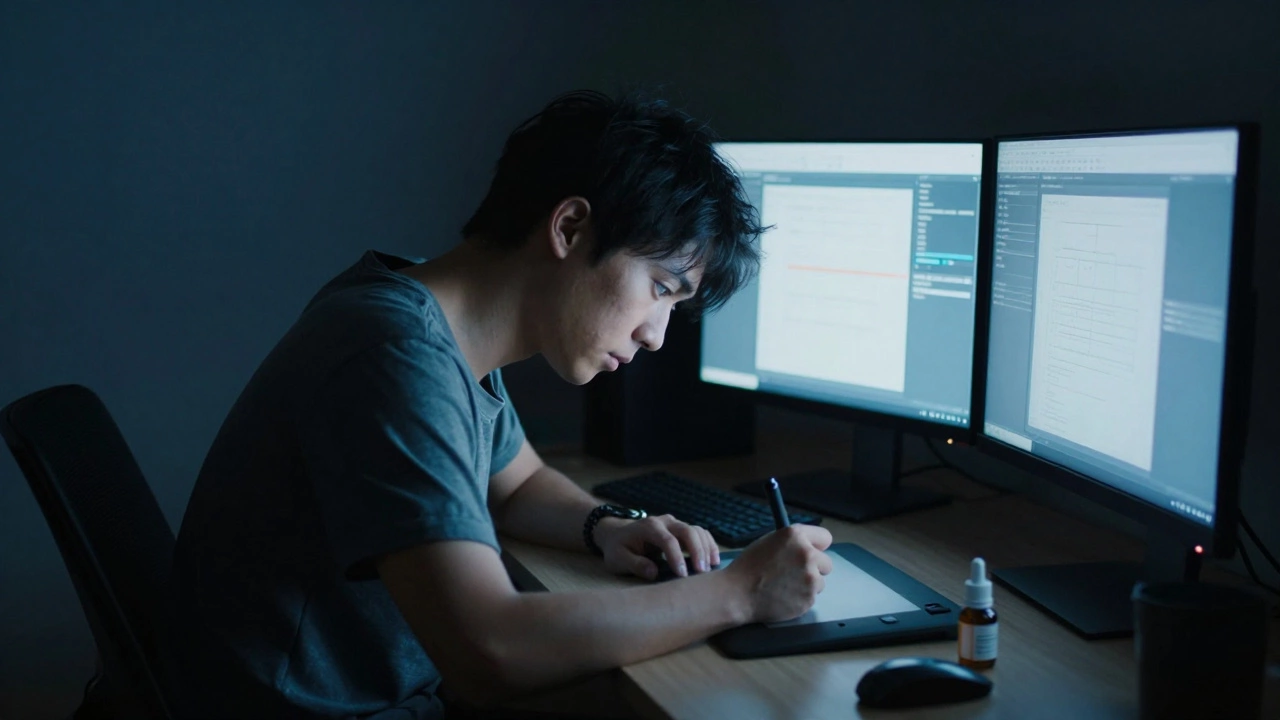
Explore the hidden downsides of digital art, from physical eye strain and high hardware costs to software complexity and data security risks. Learn how these challenges compare to traditional media.
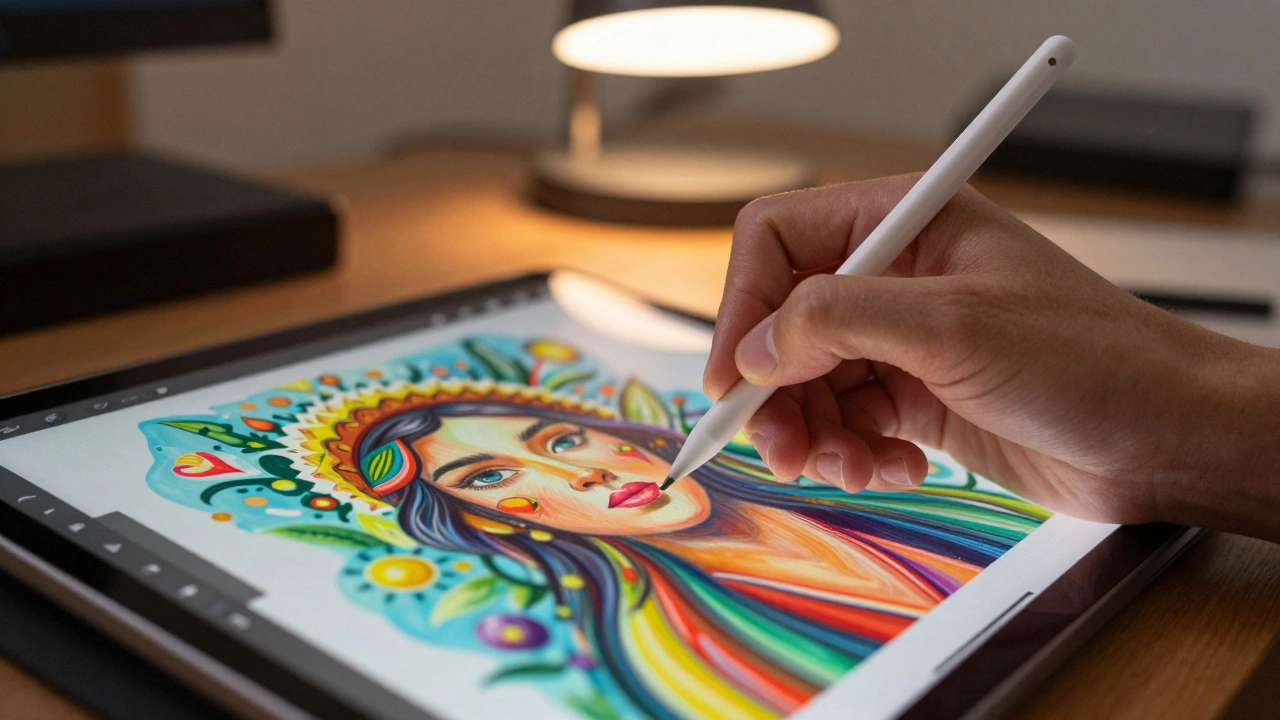
Discover what defines digital art in 2026. From definitions and types like 3D modeling to AI tools and selling strategies, learn how technology reshapes creativity.
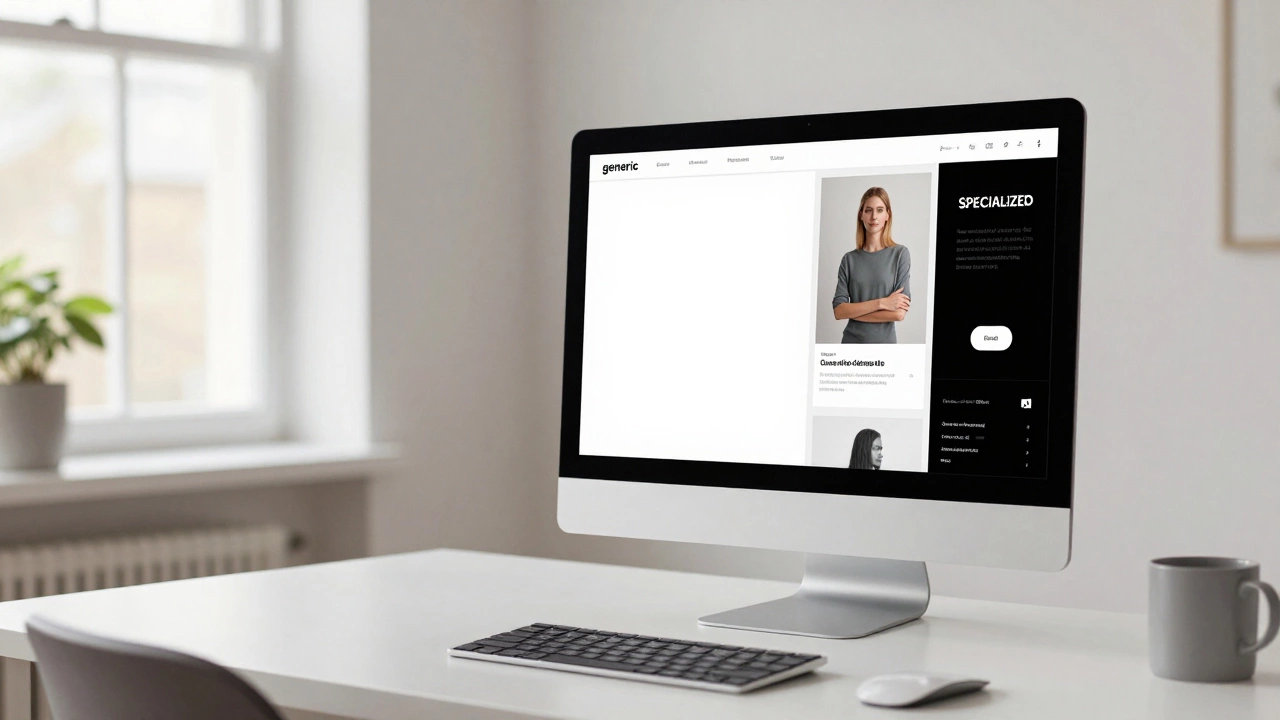
Can you actually make money selling Canva templates in 2026? Discover the realistic strategies, legal pitfalls, and best niches for digital art passive income.
Digital art can make real money through downloads, commissions, NFTs, and licensing. Artists are earning thousands monthly by selling simple designs on Etsy, Patreon, and ArtStation. No gallery needed.
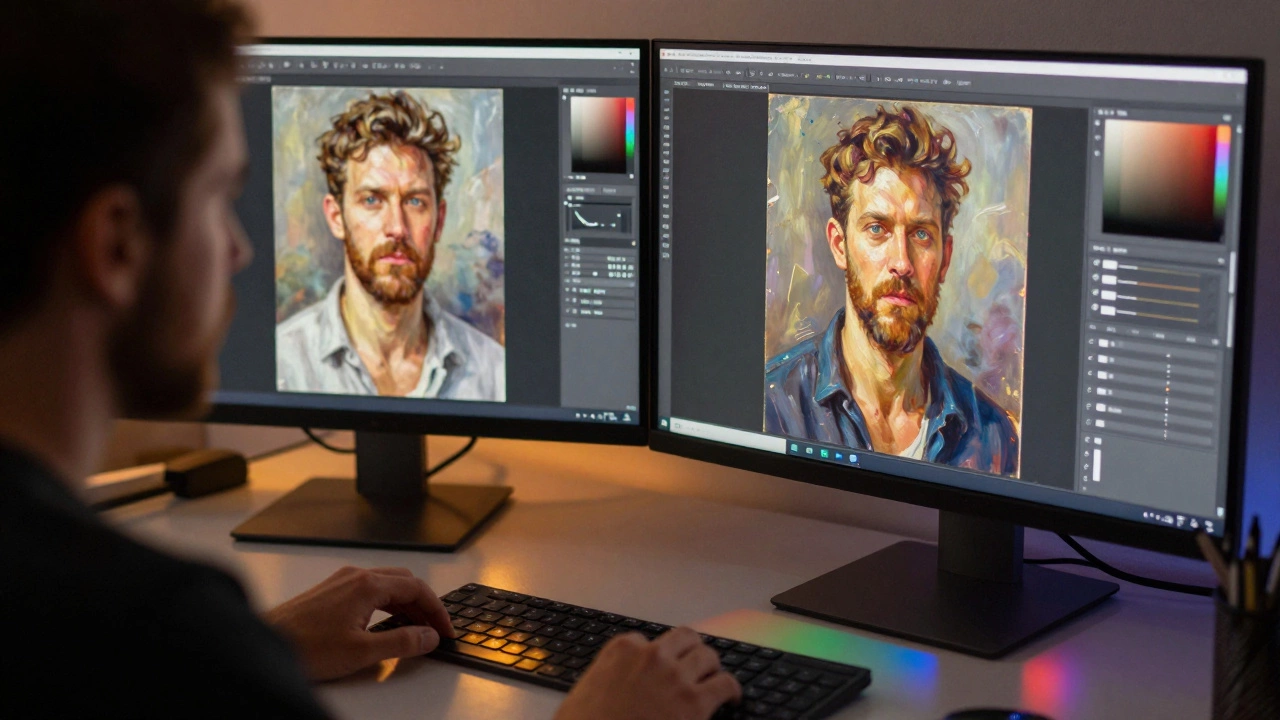
Digital art may look easy with undo buttons and layers, but mastering it requires painting, animation, 3D modeling, and technical problem-solving-all at once. It’s not just art. It’s a full-skill discipline.
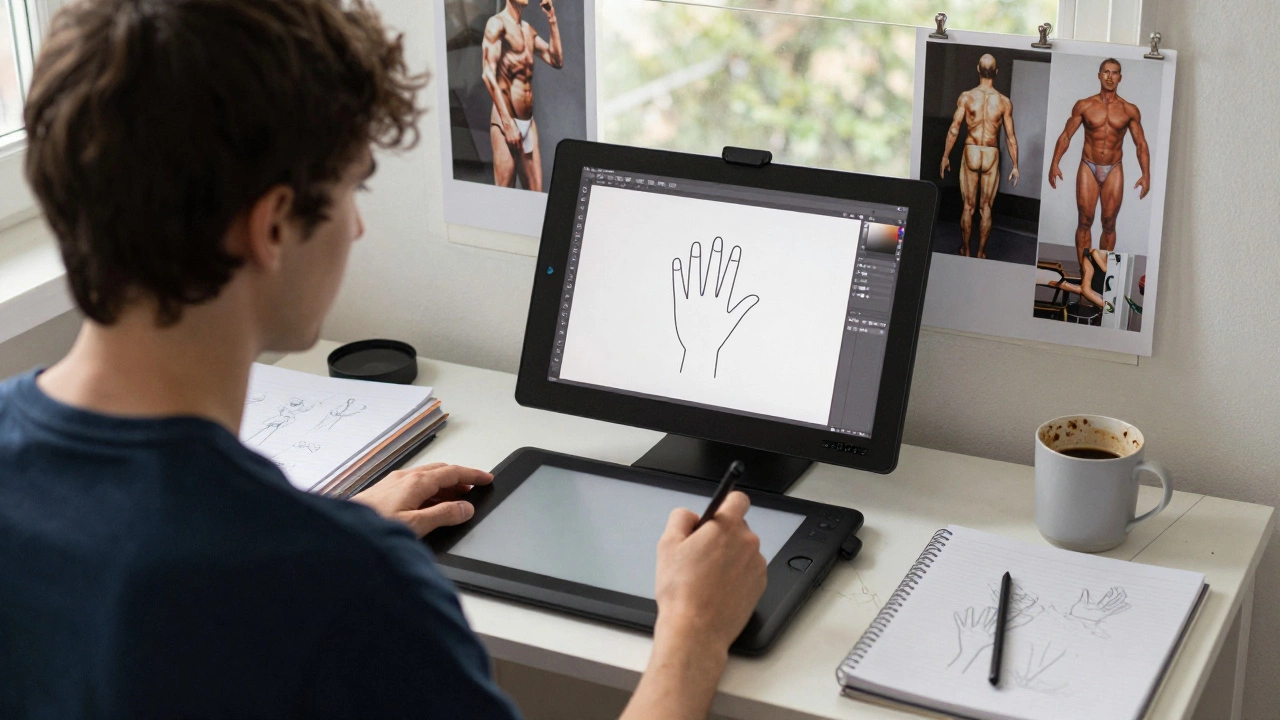
Digital art isn't easy because of the tools - it's easy to start. But mastering it takes real practice. Learn the three fundamentals every beginner needs and how to avoid common mistakes.

Discover the best digital art programs for beginners and pros in 2026, including Procreate, Photoshop, Krita, and more. Learn which tool fits your style, budget, and device - no fluff, just clear choices.

In 2026, most digital artists use an iPad with Procreate because it's portable, intuitive, and affordable. Discover why tools like Photoshop and Wacom tablets are losing ground to simple, touch-based workflows.
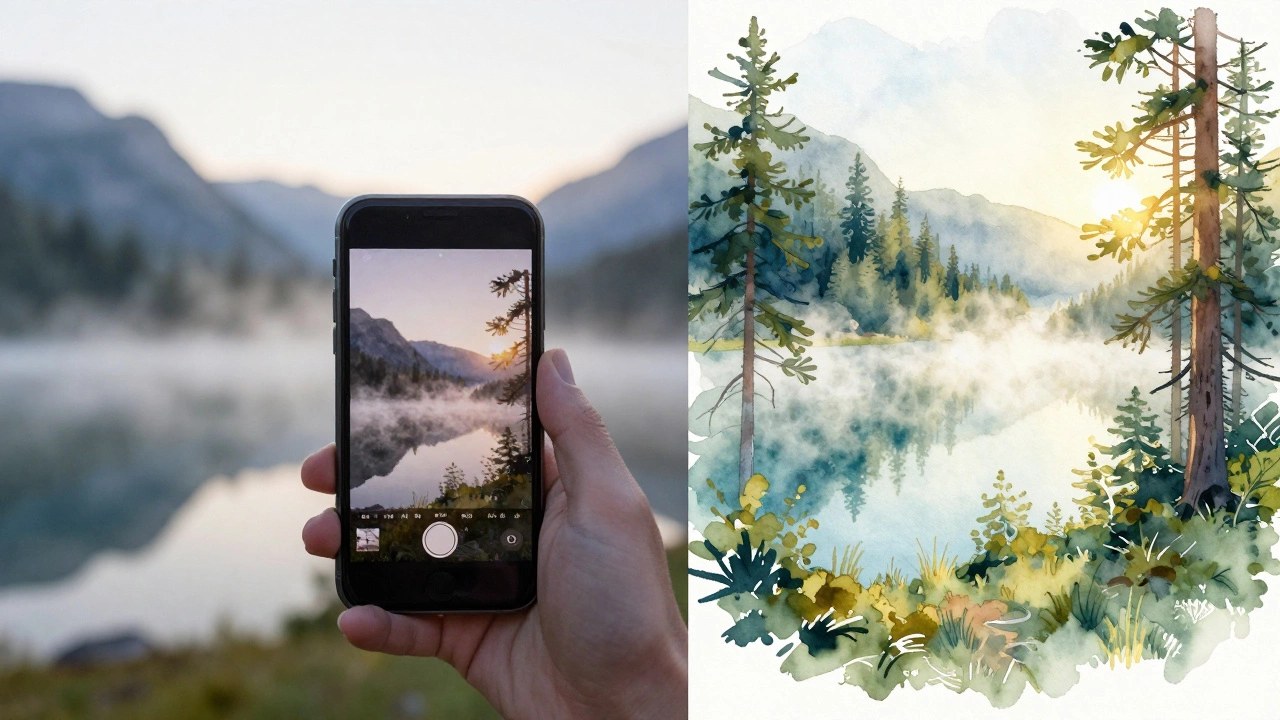
Discover the best apps in 2025 that turn your photos into realistic landscape paintings. Learn which tools deliver authentic brushstrokes, how to get the best results, and whether you can print and sell the art.
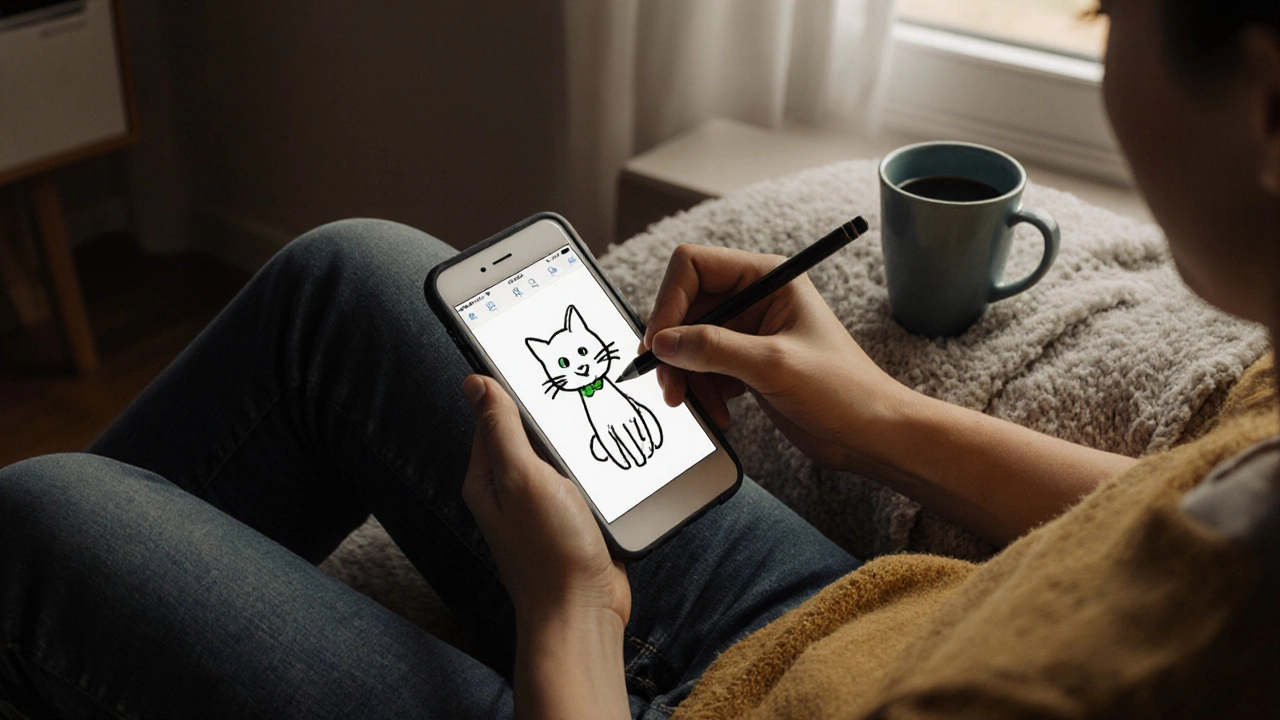
You don't need drawing skills or expensive tools to make digital art. It's about expression, not perfection. Here's how anyone can start creating today with just a phone and free apps.