Digital vs. Traditional Art Cost Estimator
Setup Configuration
Adjust the sliders to match your desired equipment quality.
Traditional Art
Digital Art
You’ve probably seen the endless streams of flawless illustrations on Instagram or TikTok. The colors are vibrant, the lines are crisp, and the artists seem to work at lightning speed. It’s easy to look at that and think digital art is the ultimate solution-clean, fast, and infinitely editable. But if you’ve ever tried picking up a tablet for the first time, you might have noticed something missing. There’s a gap between what you see on your screen and how it feels in your hands.
Digital art isn’t just a magic wand that fixes every problem with traditional media. In fact, switching from canvas and paint to pixels and pressure-sensitive pens comes with its own set of headaches. From eye strain to the anxiety of losing hours of work to a crash, there are real downsides to creating entirely on a screen. Understanding these disadvantages doesn't mean you should avoid digital tools; it means you can approach them with your eyes open.
The Physical Toll: Eye Strain and Posture
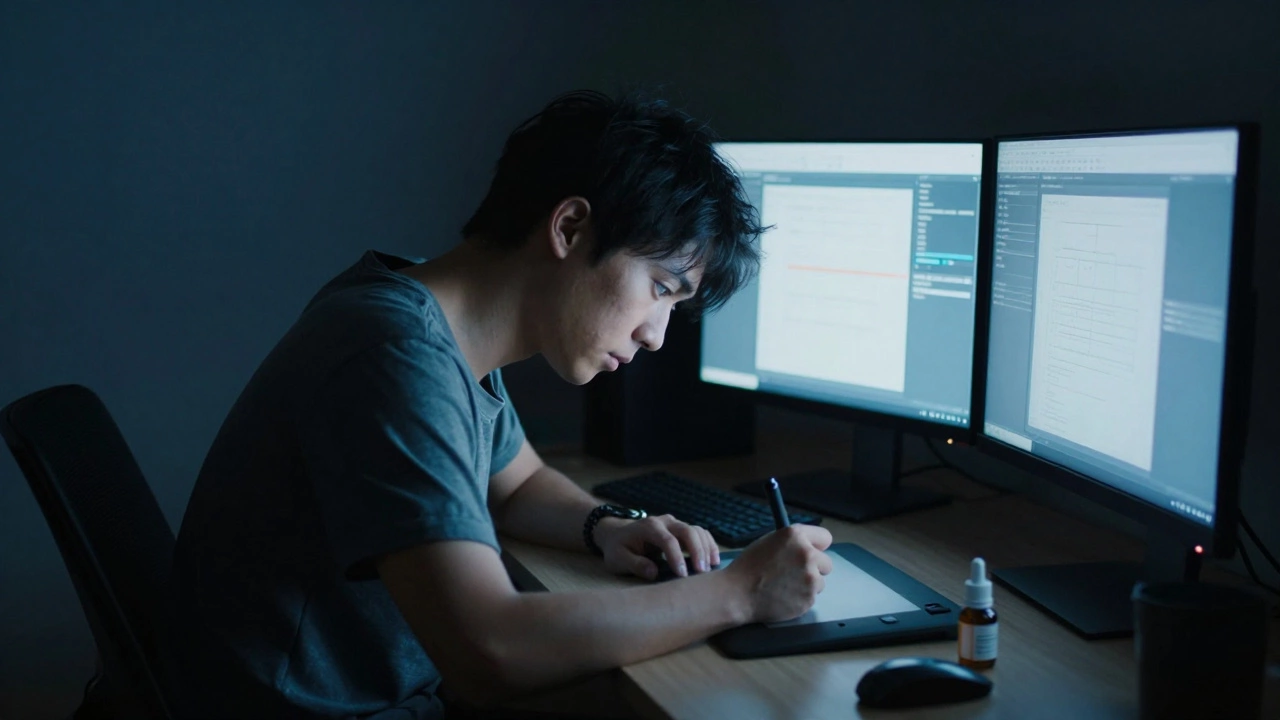
Let’s start with the most immediate issue: your body. When you paint traditionally, you’re looking at a surface that reflects light. With Digital Art is art created using electronic devices such as graphic tablets, styluses, and software applications., you are staring directly into a backlit screen for hours. This creates a condition often called "screen fatigue" or digital eye strain. Your eyes have to work harder to focus on pixels than they do on physical paper, leading to dryness, headaches, and blurred vision after long sessions.
Then there’s the posture problem. Many artists use a setup where their hand is on a drawing tablet sitting on a desk, but their eyes are focused on a monitor several inches away. This disconnect forces your neck to crane forward and your shoulders to hunch. Over time, this "turtle neck" posture can lead to chronic back and neck pain. Even if you draw directly on an iPad or a Surface Pro, holding a heavy device in one hand while balancing a stylus in the other can cause wrist strain and repetitive stress injuries like carpal tunnel syndrome.
To mitigate this, many professional digital artists invest in ergonomic setups, including adjustable stands, external keyboards, and blue-light filtering glasses. But let’s be honest-that’s extra gear you didn’t need when you were painting with acrylics on an easel.
The Learning Curve of Software Complexity
In traditional art, if you want to make a red mark, you pick up a red brush. In digital art, making that same mark involves navigating layers, blending modes, opacity settings, and brush engines. The barrier to entry isn’t just artistic skill; it’s technical literacy. You aren’t just learning to draw; you’re learning to operate complex software like Adobe Photoshop is industry-standard raster graphics editing software used by millions of professionals. or Procreate is a popular digital illustration application designed specifically for the iPad..
This complexity can be overwhelming. New users often spend more time tweaking brush settings than actually drawing. You might find yourself frustrated because your digital brush doesn’t behave exactly like a watercolor wash or a charcoal stick. While software developers try to mimic traditional media, there is always a slight lag or "slippery" feel to the stylus on glass that differs from the tooth of paper or canvas. This lack of tactile feedback can make it difficult to control line weight and texture intuitively.
Furthermore, software updates can change interfaces overnight. A shortcut you memorized last year might move, or a favorite feature might be deprecated. Traditional tools don’t push mandatory updates that break your workflow. A tube of oil paint behaves the same way today as it did ten years ago. Digital tools require constant re-learning.
Hardware Costs and Dependency
Here is a hard truth: digital art is expensive. To get started properly, you need more than just a computer. You need a high-resolution display, a powerful graphics card to handle large files, plenty of RAM, and a reliable stylus. Entry-level setups can cost hundreds of dollars, while professional rigs can easily exceed two thousand.
| Item | Traditional Art (Basic) | Digital Art (Entry-Level) |
|---|---|---|
| Surface/Medium | Paper sketchbook ($5 - $10) | iPad + Apple Pencil ($400+) |
| Tools | Pencils/Paintbrushes ($20) | Tablet Stylus ($100+) |
| Software | None required | Subscription or One-time fee ($10 - $30/month) |
| Computer/Device | Not strictly required | Laptop/Desktop or Tablet ($500+) |
Beyond the initial purchase, there is the ongoing cost of subscriptions. Adobe Creative Cloud, for example, requires a monthly payment. If you stop paying, you lose access to your primary tool. Traditional artists buy supplies once and use them until they run out. Digital artists pay rent to create.
There is also the issue of obsolescence. Technology moves fast. The tablet you bought three years ago might struggle to run the latest version of your preferred software. Batteries degrade, screens crack, and ports become outdated. In the traditional world, a wooden easel can last for decades. In the digital world, hardware has a shelf life.
The Illusion of Infinity: Decision Fatigue
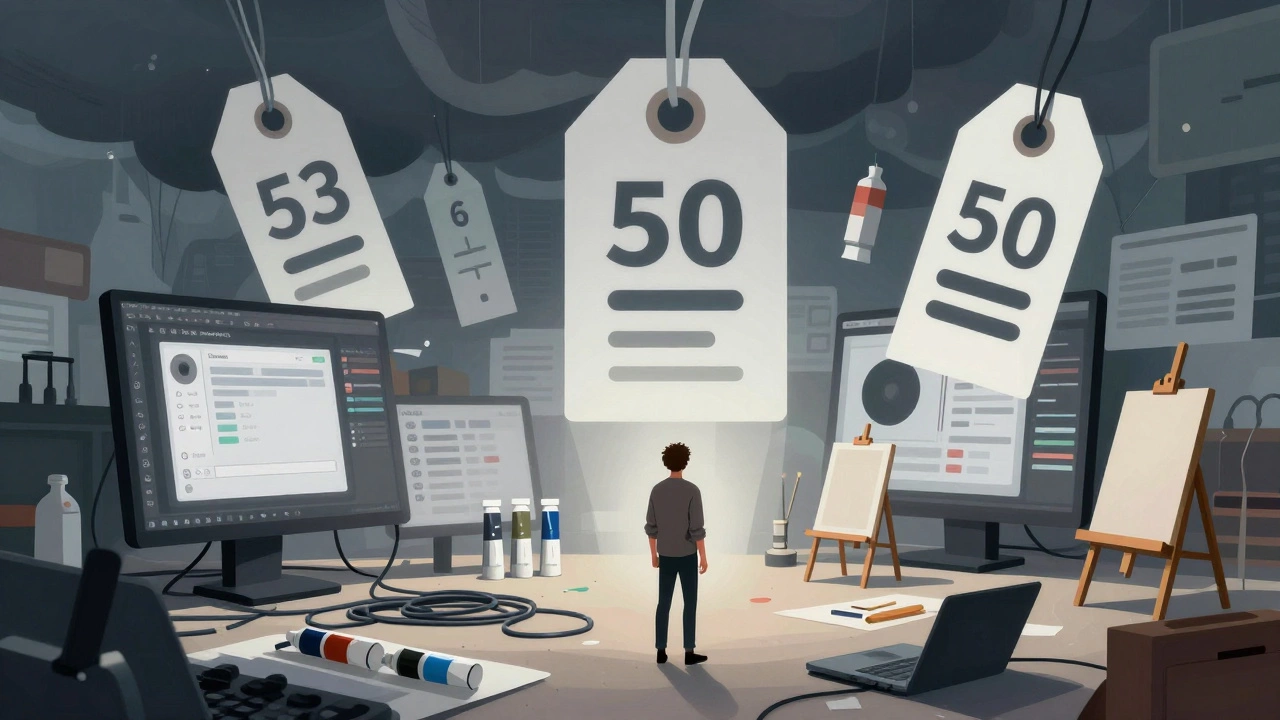
One of the biggest selling points of digital art is the "Undo" button. You can make mistakes without consequence. Sounds great, right? Not always. The ability to undo everything can lead to decision paralysis. Without the permanence of ink on paper, artists often struggle to commit to a stroke. They might redraw a line fifty times, chasing a perfection that never arrives.
This is known as "analysis paralysis." When every choice is reversible, the stakes feel low, which can ironically make it harder to produce finished work. Traditional media forces you to make decisions. If you spill paint, you incorporate it. If you draw a wrong line, you work around it. These constraints breed creativity. Digital art removes those constraints, which can sometimes result in sterile, over-polished work that lacks soul or spontaneity.
Additionally, the sheer number of options available digitally can be distracting. Instead of focusing on composition and color theory, you might find yourself spending an hour browsing through thousands of brush packs online. The tool becomes the distraction rather than the facilitator.
File Management and Data Security Risks
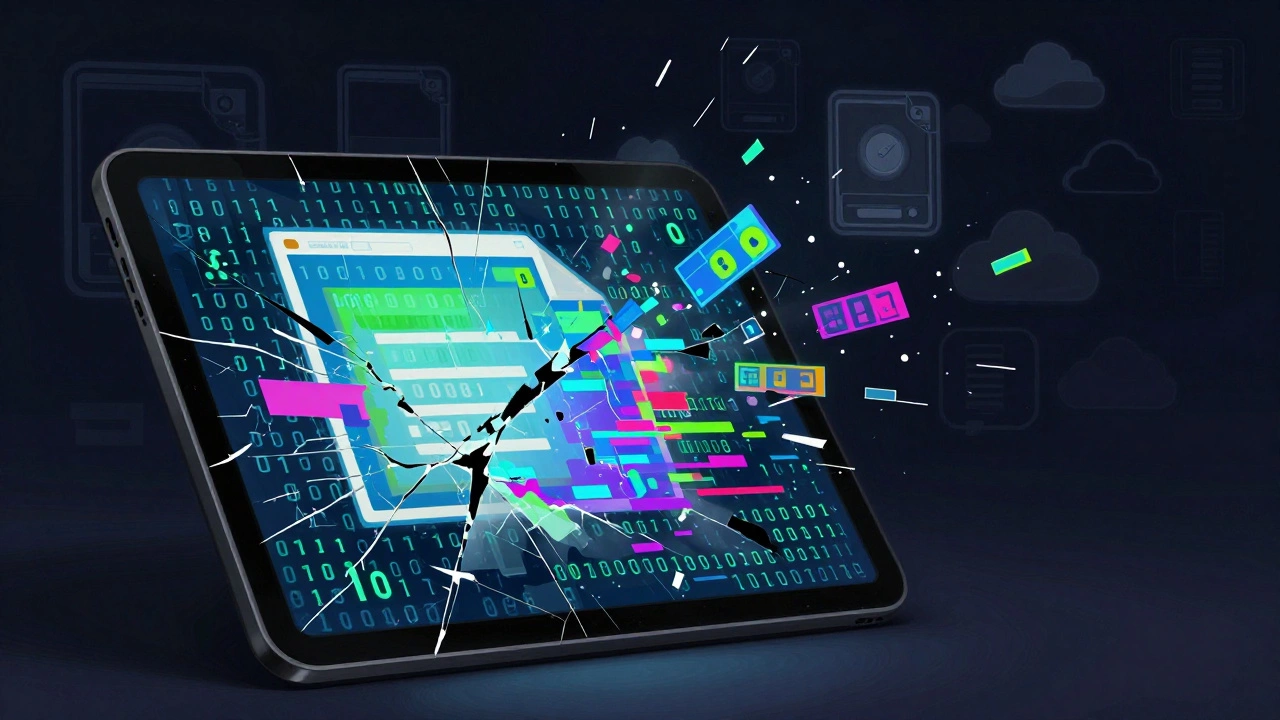
Imagine finishing a week’s worth of work on a masterpiece, only for your laptop to crash or your hard drive to fail. In traditional art, your physical painting exists independently of technology. It sits on your wall. In digital art, your creation is a series of zeros and ones stored on a volatile medium.
Data loss is a genuine fear for digital artists. Corrupted files, accidental deletions, and ransomware attacks are real threats. To protect your work, you must implement a rigorous backup strategy. This means saving versions locally, backing up to cloud storage, and maintaining external drives. It adds a layer of administrative work to the creative process that traditional artists simply don’t have to worry about.
There is also the issue of file format compatibility. Saving a file in a proprietary format today might mean you can’t open it five years from now if the software company goes bankrupt or changes its standards. Archiving digital art requires active maintenance to ensure future accessibility.
Perception and Value in the Art Market
Despite its growing popularity, digital art still faces skepticism in certain circles. Some collectors and institutions view digital files as less valuable because they can be reproduced infinitely with zero degradation. Unlike a unique oil painting, a digital file is inherently reproducible. This affects how pricing is perceived.
While NFTs (Non-Fungible Tokens) attempted to solve this scarcity issue, the market remains volatile and controversial. For many commercial clients, the concern isn’t scarcity but ownership. Who owns the copyright? Can the client print the image on a billboard? These legal nuances add friction to the transaction process compared to handing over a physical canvas.
Moreover, some purists argue that digital art lacks the "aura" of originality. The absence of physical texture-the brushstrokes, the impasto, the grain of the paper-means that prints of digital art can feel flat compared to reproductions of traditional works. This perception can impact how your work is received in galleries or by traditionalist clients.
Conclusion: Balancing the Scales
Knowing these disadvantages doesn’t mean digital art is inferior. It simply means it is different. Digital tools offer unparalleled flexibility, efficiency, and reach. But they demand a higher initial investment, continuous technical learning, and proactive data management.
If you are considering switching to digital, or mixing both mediums, acknowledge these hurdles. Invest in good ergonomics to save your back. Learn the software deeply so it stops being a barrier. Back up your files religiously. And remember that the "Undo" button is a safety net, not a crutch. By respecting the limitations of the medium, you can harness its power more effectively and create work that resonates, regardless of whether it ends up on a screen or a wall.
Is digital art considered "real" art?
Yes, absolutely. Art is defined by the intent, skill, and expression of the creator, not the medium used. While some traditionalists may hold biases, the art world increasingly recognizes digital art as a valid and powerful form of expression. Major museums and galleries now exhibit digital works regularly.
Do I need a powerful computer for digital art?
It depends on the software. Simple apps like Procreate run well on mid-range tablets. However, professional software like Adobe Photoshop or Clip Studio Paint benefits significantly from a computer with at least 16GB of RAM and a dedicated graphics card, especially when working with large canvases and many layers.
How can I prevent eye strain from digital art?
Follow the 20-20-20 rule: every 20 minutes, look at something 20 feet away for 20 seconds. Use artificial tears to keep eyes moist, adjust your screen brightness to match ambient lighting, and consider blue-light blocking glasses. Taking regular breaks to stretch your neck and wrists is also crucial.
What happens if my digital art file gets corrupted?
If you haven’t backed up your work, recovery can be difficult. Always enable auto-save features in your software. Store backups in multiple locations: an external hard drive and a cloud service like Google Drive or Dropbox. Using non-proprietary formats like PSD or TIFF can also aid in recovery across different software versions.
Can I sell digital art as easily as traditional art?
Selling digital art often involves licensing rather than selling a unique object. You can sell prints, merchandise featuring your art, or license the image for commercial use. Platforms like Etsy, Society6, and ArtStation facilitate these sales. However, establishing value can be trickier since the file itself is infinitely reproducible.