Digital Art Skill Tracker
Measure your progress toward meaningful improvement. The article shows that 100 hours of focused practice leads to noticeable improvement. Track your journey.
Basic Drawing
Lines, shapes, proportions
Light & Shadow
Value studies, lighting concepts
Color Theory
Color interactions, mood, contrast
Practice Log
Your Progress
100 hours = Noticeable improvement
You need 97.5 more hours
Tip from the article
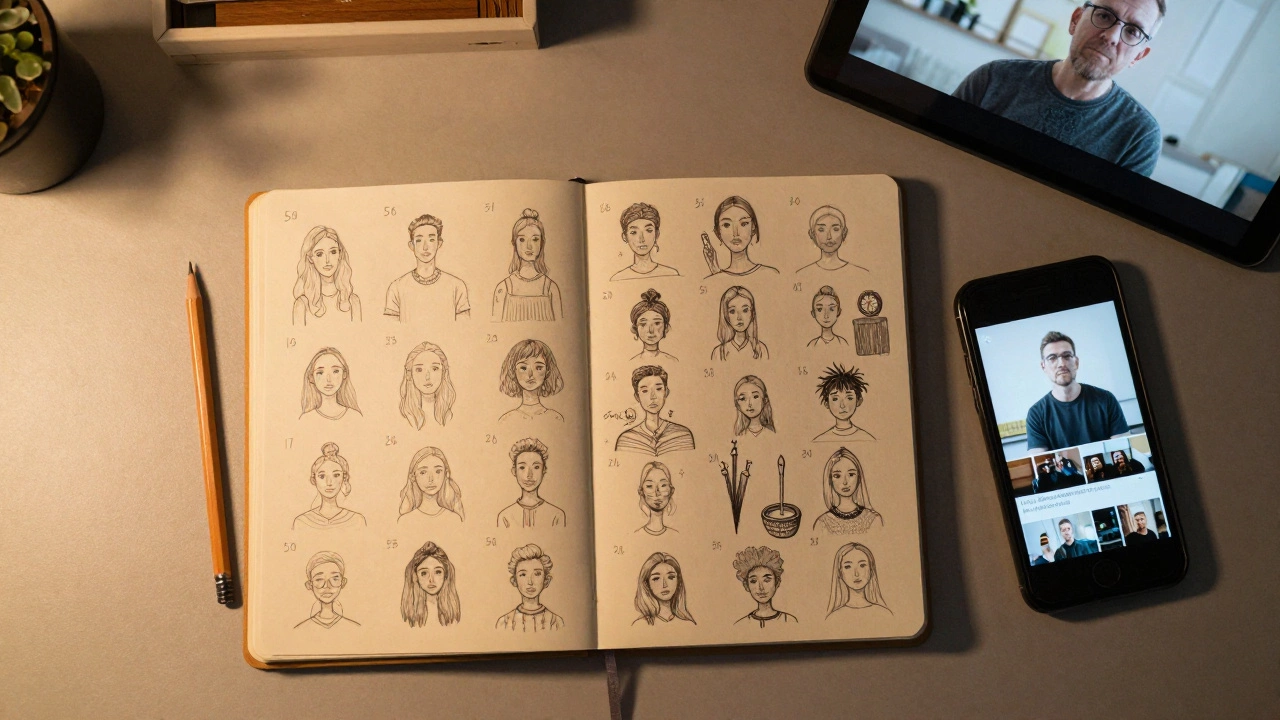
"The first 50 drawings are going to suck. That's okay. The 51st? That's when you start to see the difference."
Consistency matters more than perfection.
Many people think digital art is just point-and-click magic - like using Photoshop to turn a photo into a masterpiece with a few sliders. If you’ve ever watched a YouTube video where someone draws a hyper-realistic dragon in ten minutes, you might wonder: Is digital art easy for beginners? The short answer? It’s not about the tool. It’s about the foundation.
Why digital art feels easier than it is
Digital art tools like Procreate, Photoshop, or Krita give you undo buttons, layers, and infinite colors. That sounds like a dream, right? But here’s the catch: those features don’t replace the need to understand drawing, composition, or color theory. You can have the best tablet in the world and still draw a stick figure that looks like it was made by a toddler. The software doesn’t think for you. It just lets you make mistakes faster.Think of it like driving a Ferrari. The car can go 200 mph, but if you don’t know how to steer, brake, or read the road, you’re not going anywhere safe. Digital art is the same. The tools are forgiving, but they don’t fix bad habits. You still need to learn how to see shapes, understand light, and build form - just like traditional drawing.
What makes digital art accessible for new artists
There are real advantages that make digital art a great place to start - if you know what to focus on.- No supplies to buy: You don’t need to spend $200 on charcoal, canvas, and turpentine. A tablet and a free app like Krita or Medibang are enough to start.
- Undo button: Mess up a line? Tap undo. Draw a weird shape? Delete the layer. This removes the fear of ruining a page.
- Instant feedback: You can zoom in, flip the canvas, or use reference images side-by-side. That’s something traditional artists have to do manually with mirrors and printouts.
- Free tutorials everywhere: YouTube, Skillshare, and even TikTok are full of step-by-step guides for beginners. You can watch someone paint a portrait in 15 minutes and try it yourself the same day.
These tools lower the barrier to entry. But they don’t remove the learning curve.
The three things you actually need to learn
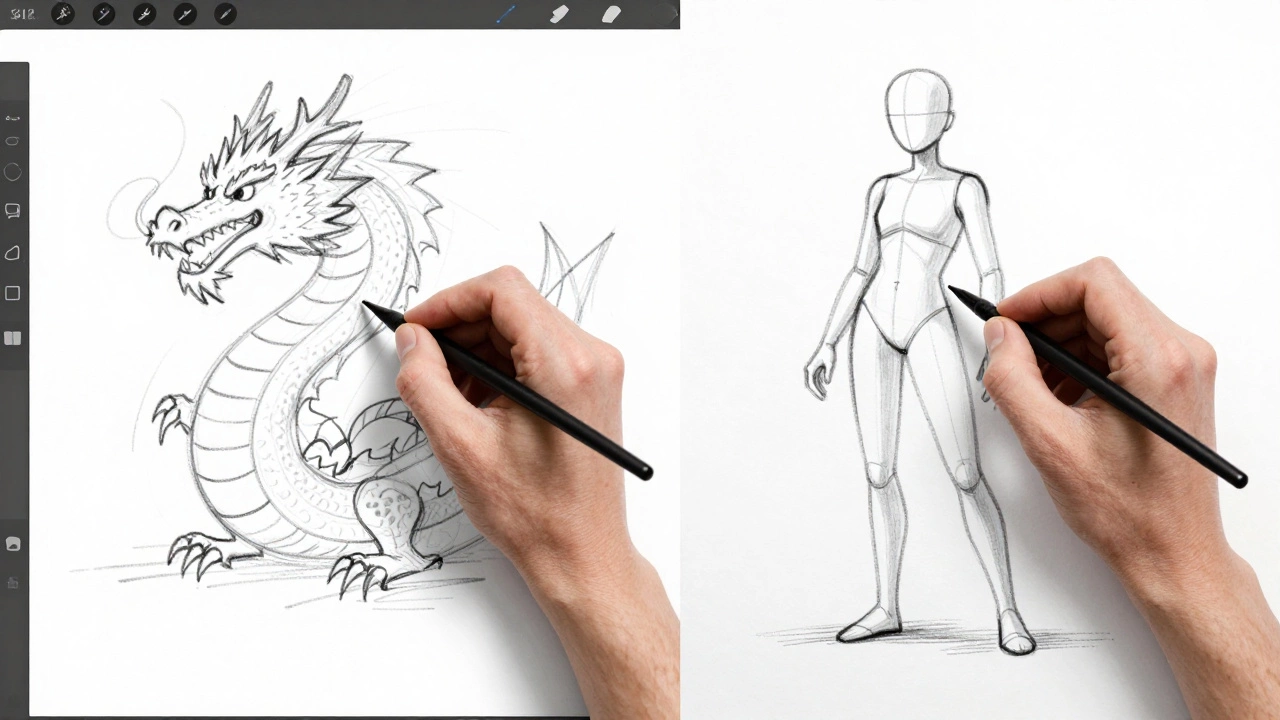
Digital art isn’t easy because of the software. It’s easy to start - but hard to get good. The real work happens in three areas:- Basic drawing: Lines, shapes, proportions. If you can’t draw a circle, a hand, or a simple face from memory, no brush preset will save you. Start with gesture sketches. Do 5-minute poses every day. Use apps like QuickSketch or Drawabox.
- Light and shadow: Digital art looks flat without this. Learn how light hits surfaces, creates highlights, and casts shadows. Study real photos. Use grayscale palettes to focus on value before adding color.
- Color theory: Red doesn’t always mean “angry.” Blue isn’t always “calm.” Colors interact. Learn warm vs. cool tones, complementary contrasts, and how saturation affects mood. A good digital artist doesn’t just pick colors - they build them.
These aren’t optional. They’re the core. Skip them, and you’ll end up stuck copying other people’s styles forever.
Common beginner mistakes (and how to avoid them)
Most beginners make the same three mistakes - and they don’t even realize it.- Using too many brushes: You don’t need 500 brush packs. Start with one pencil, one flat brush, and one airbrush. Master those before adding more.
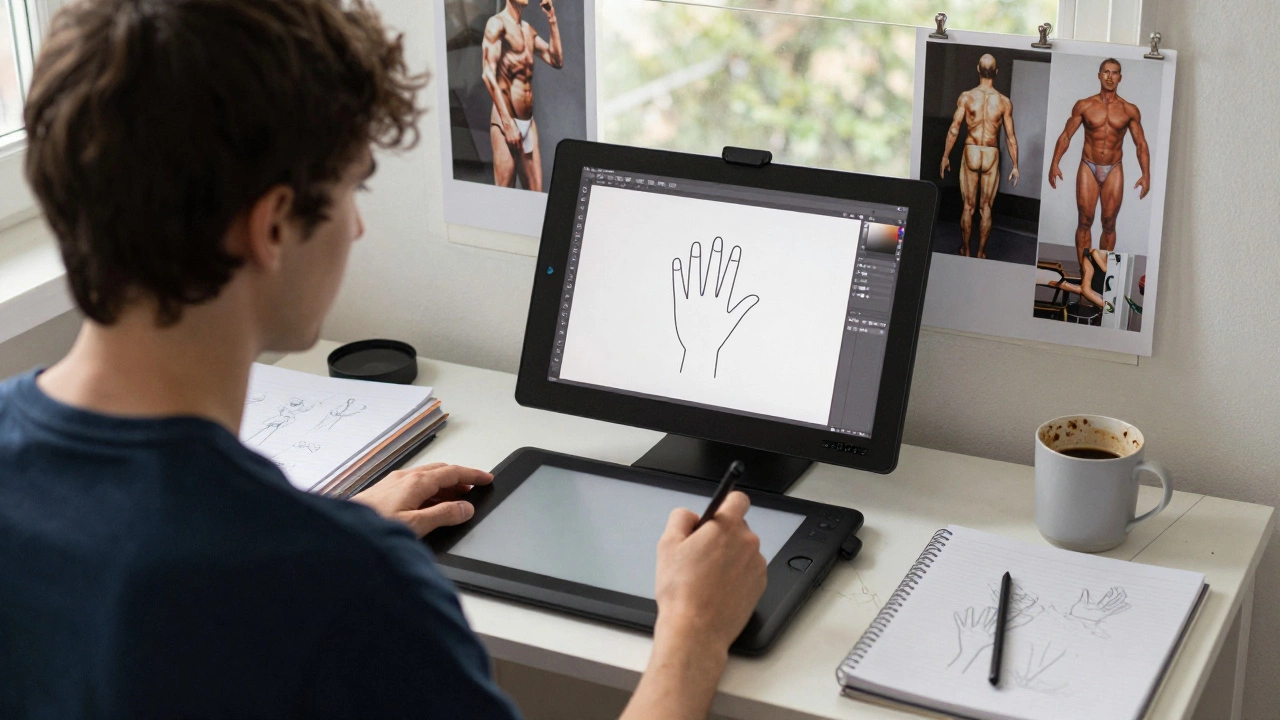
- Skipping reference images: Drawing from imagination too soon leads to stiff, unrealistic art. Use photos. Study anatomy. Copy master artists. It’s not cheating - it’s training.
- Chasing perfection: You don’t need to draw like a professional on day one. Progress is messy. Your first month of art will look bad. That’s normal. The people who get good are the ones who keep going, not the ones who wait for perfect results.
One student I know spent three months trying to draw anime characters perfectly. She didn’t learn anatomy, lighting, or perspective. She just copied. After six months, she was still stuck. Then she started doing 10-minute gesture drawings every morning. Within 60 days, her work improved more than in the entire year before.
What “easy” really means
Digital art is easy to start. It’s easy to experiment. It’s easy to share. But it’s not easy to master. The ease comes from having tools that let you try, fail, and try again without wasting materials. That’s powerful.Compare it to learning guitar. A beginner can play a simple chord on day one. But becoming good? That takes years of practice. Digital art is the same. You can make something that looks cool in 10 minutes. But if you want to make something that moves people? That takes discipline.
Where to start today
If you’re serious about learning, here’s a simple plan:- Get a tablet (even a $30 Huion or used iPad) and a free app like Krita or FireAlpaca.
- Draw one thing every day for 10 minutes. It can be a coffee cup, your hand, or a cat. No pressure.
- Watch one 10-minute tutorial per week on value, anatomy, or perspective. Don’t skip the basics.
- Join a free community like r/DigitalPainting on Reddit or a Discord server for beginners. Show your work. Ask for feedback.
- After 30 days, look back at your first drawing. You’ll be surprised.
You don’t need talent. You don’t need expensive gear. You just need to show up, even when it feels boring. The first 50 drawings are going to suck. That’s okay. The 51st? That’s when you start to see the difference.
Final thought: It’s not about the tool - it’s about the habit
Digital art isn’t easy because the software is magic. It’s easy because it lets you practice without fear. That’s the real gift. The tools give you freedom. But only you can build the skill.So if you’re wondering whether digital art is easy for beginners - yes, it’s easy to start. But the real question is: are you ready to keep going when it gets hard? Because that’s where the art begins.
Do I need a drawing tablet to start digital art?
No, you don’t need a tablet to start. You can begin with a mouse or even your finger on a touchscreen phone. Apps like Autodesk Sketchbook or Concepts work on phones. But if you plan to stick with it, a budget tablet like the Huion H610 or an iPad with Apple Pencil will give you way more control. The key isn’t the tool - it’s consistency.
Can I learn digital art without knowing traditional drawing?
Yes, you can learn digital art without formal drawing experience - but you’ll still need to learn the fundamentals. Lines, shapes, perspective, and lighting don’t disappear just because you’re using a tablet. Many successful digital artists started with zero traditional training. They just focused on practicing the same core skills: observation, repetition, and feedback.
Is Procreate the best app for beginners?
Procreate is popular and powerful, but it’s not the only option. For beginners on a budget, Krita (free on PC/Mac) and FireAlpaca (free on all platforms) are excellent. They offer layers, brushes, and undo features without requiring an iPad. Procreate is great if you have an iPad and want polish - but don’t wait to buy one before you start. Start now with what you have.
How long does it take to get good at digital art?
There’s no magic timeline. Most people see noticeable improvement after 100 hours of focused practice. That’s about 30 minutes a day for 6-7 weeks. Getting to a professional level takes years - but you can create work you’re proud of in just a few months. The key isn’t speed - it’s consistency. Draw every day, even if it’s just for 10 minutes.
Should I copy other artists’ work?
Yes - but with purpose. Copying isn’t cheating. It’s training. Study how someone uses light, how they build form, how they compose a scene. Trace if you need to. Then put the reference away and draw it yourself. This builds muscle memory and visual understanding. Don’t just copy - analyze. Then create your own version.