Canva Creator Identity Quiz
Answer these questions honestly to discover where your current workflow sits on the spectrum from simple assembly to true digital art.
Loading question...
Your Creative Profile
You hit "Export" on a Canva project. It looks sharp. Your client loves it. But then you pause. Is this actually digital art, or did you just assemble a fancy collage of stock images and fonts? This question sparks heated debates in every online art community. Purists argue that true digital art requires original creation from scratch. Pragmatists say the result matters more than the method. So, where does Canva fit in this spectrum?
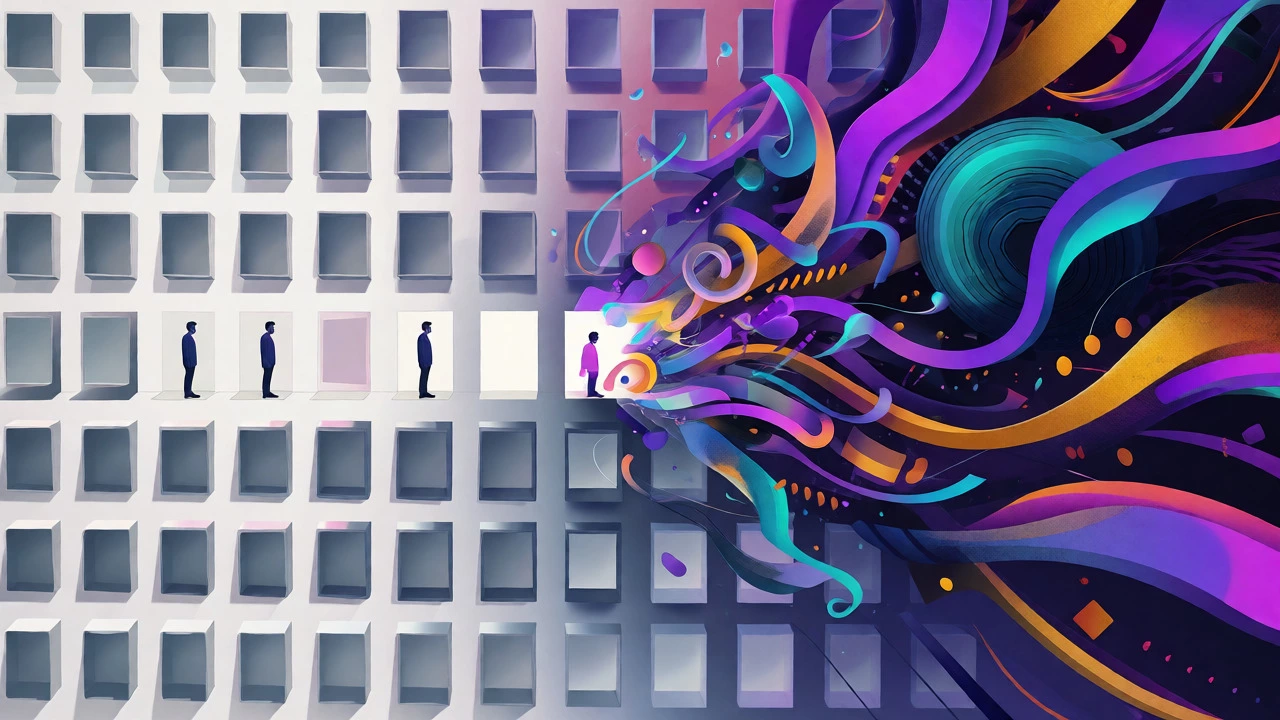
The short answer is nuanced. Canva itself is a tool, not an artist. Using it doesn't automatically make you a digital artist, but it certainly doesn't disqualify you either. It depends entirely on how you use the platform. If you're dragging pre-made templates around without touching a single pixel, you're doing layout design. If you're manipulating elements, creating custom assets, and applying artistic principles, you're engaging in digital art practices. Let's break down why this distinction matters and what it means for your career.
Defining Digital Art vs. Graphic Design
To understand if Canva counts, we first need to agree on what digital art is. Generally, Digital Art is artistic work created using digital technology as part of the creative or presentation process. Unlike traditional painting, the medium is code and pixels. Key attributes include originality of form, manipulation of visual data, and intent beyond mere utility.
Graphic Design, on the other hand, is the craft of combining text, imagery, and space to communicate specific messages. Its primary goal is function. A poster needs to be readable. A logo needs to be recognizable. While graphic designers often possess artistic skills, their output is judged by effectiveness, not aesthetic expression alone.
Canva sits squarely in the middle. It’s built for graphic design efficiency. However, many users push its boundaries. When you start drawing shapes with the pen tool, blending layers, or importing your own vector illustrations, you’re crossing into digital art territory. The line blurs when you stop treating Canva as a template filler and start treating it as a canvas.
The Role of Templates in Creativity
Critics often dismiss Canva because of its reliance on templates. They argue that starting with a finished layout removes the creative struggle. But is that fair? Think about photography. Does using a preset filter in Lightroom mean a photo isn't art? Most would say no. The photographer still chose the angle, lighting, and subject. The preset just refined the look.
Templates in Canva serve a similar purpose. They provide structure. For beginners, they prevent analysis paralysis. For pros, they speed up repetitive tasks like social media posts. The creative act happens in the customization. Changing colors to match brand psychology, swapping fonts for better hierarchy, and cropping images to create tension-these are artistic decisions. If you blindly accept a template, you’re a consumer. If you deconstruct and rebuild it, you’re a creator.
Consider the difference between a generic Instagram post and a cohesive brand campaign. The latter requires consistent visual language. Achieving that in Canva demands an understanding of color theory, composition, and typography. These are foundational arts skills. Ignoring them results in cluttered designs. Mastering them elevates your work beyond simple assembly.
When Canva Becomes True Digital Art
So, what specific actions turn Canva usage into digital art? It’s about asset creation and manipulation. If you only use stock photos and standard icons, you’re curating. But if you open the drawing tool and sketch a custom character, you’re illustrating. If you import a hand-drawn texture and blend it with digital gradients, you’re experimenting with mixed media.
Advanced users leverage features that mimic professional software like Adobe Illustrator. You can create complex vector paths, adjust opacity masks, and layer effects. Some artists even use Canva to storyboard animations before moving to After Effects. In these cases, Canva acts as a rapid prototyping tool for digital art projects. The final output might be a static image, but the process involved artistic problem-solving.
Here’s a quick comparison to help you see where you stand:
| Activity Level | Tools Used | Creative Input | Classification |
|---|---|---|---|
| Basic Assembly | Pre-made templates, stock photos, default fonts | Low (drag-and-drop) | Layout Design |
| Customization | Color adjustments, font pairing, image cropping | Medium (styling choices) | Graphic Design |
| Asset Creation | Pen tool, shape builder, custom uploads | High (original visuals) | Digital Illustration |
| Hybrid Workflow | Importing PSDs, external vectors, complex layering | Very High (integration & refinement) | Digital Art Production |
If you fall into the bottom two rows, claiming your work is digital art is defensible. You’re generating new visual content, not just rearranging existing bits.
The Impact of AI Features on Authorship
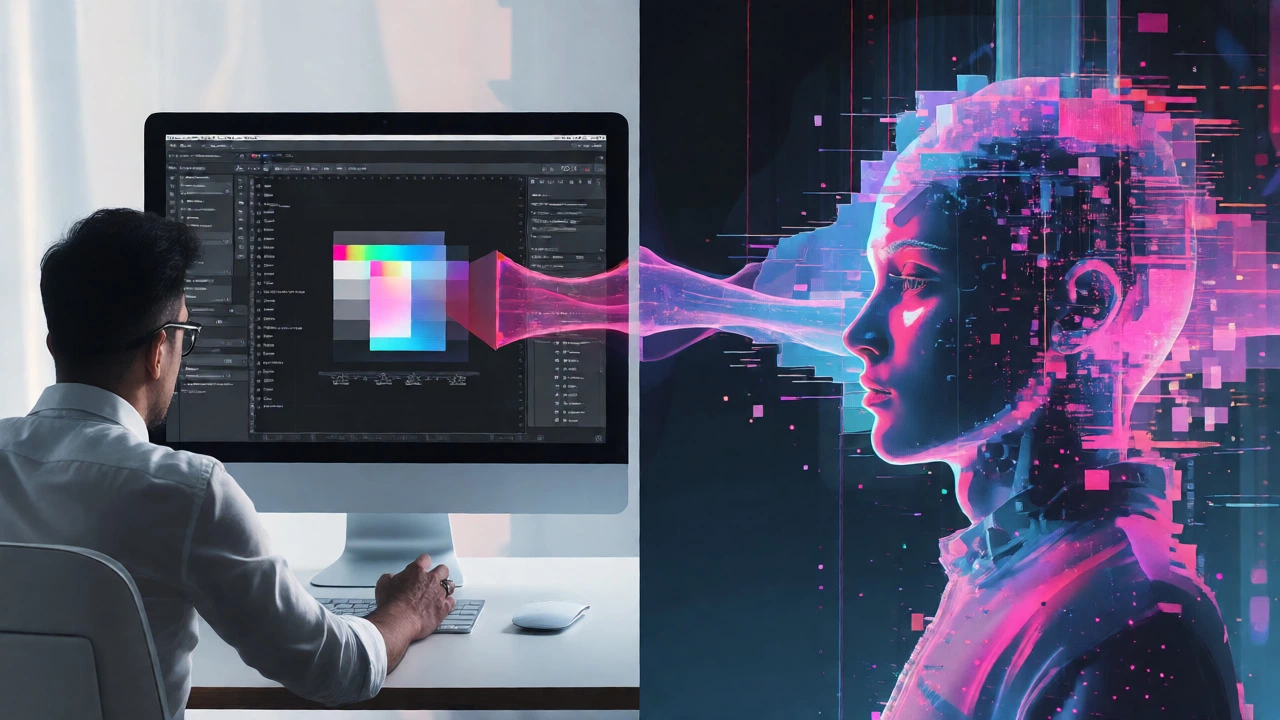
In 2026, you can’t talk about Canva without mentioning AI. The platform now includes generative fill, text-to-image generation, and magic resize tools. This complicates the definition further. If you type "cyberpunk cat" into Canva’s Magic Media and place the result in a flyer, who is the artist? You prompted it, but the algorithm generated the pixels.
Traditional digital art emphasizes human skill over machine output. However, the industry is shifting. Many professionals now view AI as another brushstroke. The value lies in curation and integration. Selecting the right AI-generated element, editing it to fix artifacts, and placing it within a larger composition requires taste and technical skill. This hybrid approach is becoming a recognized subset of digital art called "AI-assisted design."
Be transparent about your workflow. If a significant portion of your artwork comes from AI prompts, acknowledge it. Clients appreciate honesty. Moreover, relying solely on AI without manual refinement can lead to generic-looking results. The "human touch"-manual corrections, unique compositions, and emotional resonance-is what separates memorable digital art from automated noise.
Industry Perception and Career Viability
Does it matter if critics call it "real" art? For most people, no. What matters is whether you get paid for it. Small businesses, non-profits, and startups often prefer Canva designers over expensive agencies. Why? Speed and cost. A skilled Canva user can produce high-quality social media kits in hours, not days. This efficiency makes you valuable.
However, perception varies by sector. In high-end branding or editorial illustration, clients expect proficiency in Adobe Creative Cloud. They want to see file structures, vector cleanliness, and advanced masking techniques. Canva files don’t always translate well to print workflows that require CMYK precision or spot colors. If you aim for top-tier agency work, learn Photoshop and Illustrator alongside Canva. Use Canva for speed, but master pro tools for depth.
Conversely, in the world of content creation and marketing, Canva expertise is highly sought after. Influencers need constant visual content. Managers need quick slide decks. Being the person who can whip up polished graphics quickly is a superpower. Don’t let purists discourage you. Your skill lies in communication and execution, which are valid artistic disciplines.
How to Elevate Your Canva Game
If you want your Canva work to feel less like "stock" and more like "art," try these tactics:
- Break the Grid: Don’t align everything perfectly. Overlap elements slightly to create depth and movement. Imperfection feels organic.
- Customize Colors: Avoid default palette options. Pick hex codes that evoke specific emotions. Use tools like Coolors to generate harmonious schemes.
- Mix Media: Import your own sketches or photos. Scan a pencil drawing and overlay it on a digital background. This creates a unique texture that stock sites can’t replicate.
- Master Typography: Text is art. Play with kerning, leading, and font weight. Sometimes, a bold sans-serif against a delicate script creates visual tension that grabs attention.
- Use Layers Wisely: Even though Canva’s layer panel is simpler than Photoshop’s, you can still duplicate elements, change opacity, and use blend modes (like Multiply or Screen) to create shadows and glows.
These small changes signal intentionality. They show that you made choices, not just clicks. That intentionality is the core of any artistic practice.
Frequently Asked Questions
Can I sell Canva designs as digital art?
Yes, provided you have the commercial rights to all elements used. Check Canva’s licensing terms carefully. Free elements usually allow commercial use, but Pro elements may have restrictions depending on the subscription tier. Always ensure you aren't reselling unmodified stock templates.
Is Canva considered cheating compared to Photoshop?
No. Tools serve different purposes. Photoshop offers granular control for complex retouching and raster manipulation. Canva prioritizes speed and accessibility. Using the right tool for the job is smart, not cheating. Many professional designers use both daily.
Do galleries accept Canva-created digital art?
Most fine art galleries focus on originality and conceptual depth. Since Canva relies heavily on shared assets, purely assembled works might struggle here. However, if you create original vectors within Canva or integrate personal photography and mixed media, you can present it as contemporary digital collage or graphic art.
Can I use Canva for NFT art?
You can, but buyers often look for unique, programmable, or highly detailed traits. Simple Canva layouts may lack the perceived value for NFT collectors. To succeed, combine Canva with other tools or create distinct, series-based collections with clear provenance and artistic narrative.
What is the biggest mistake Canva users make?
Overusing default templates without modification. This leads to "the Canva look," where every design feels similar. Customize fonts, spacing, and colors aggressively to develop a unique visual voice.
Final Thoughts on Your Creative Identity
Don’t let labels box you in. Whether you call yourself a graphic designer, a digital artist, or a visual communicator, the goal is impact. Canva is a powerful instrument in your toolkit. Like a paintbrush, it doesn’t create art by itself. You do. If you bring creativity, strategy, and care to your Canva projects, your work deserves respect. Keep experimenting, keep learning, and keep pushing the boundaries of what a browser-based tool can do.