Monthly Projection
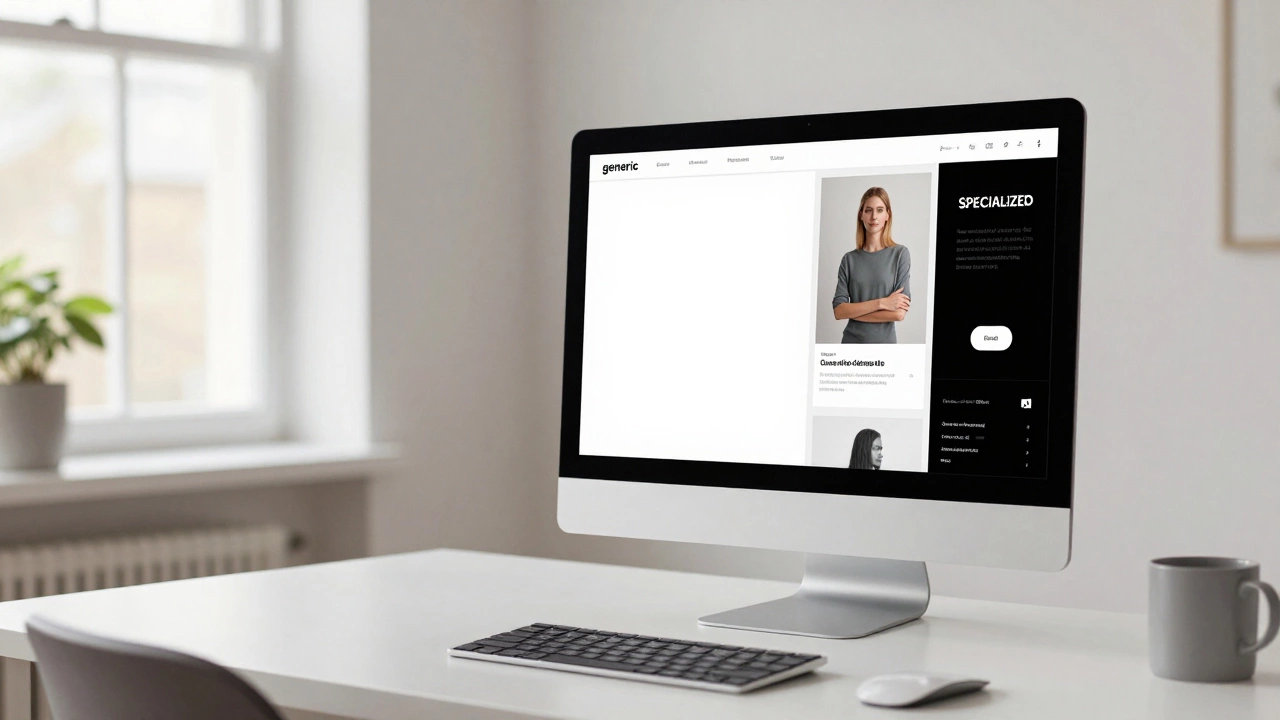
Pro Tip: To increase profit, move from generic templates to a specialized Micro-Niche!
The Truth About the Template Gold Rush
You've probably seen the TikToks or Instagram Reels. Someone shows a screenshot of a Shopify dashboard with five figures in sales, claiming they "just make a few templates in an hour" and now they're retired. It sounds like a dream, but let's be real: the market in 2026 is way more crowded than it was a few years ago. Can you still make money? Yes. Is it a "click a button and get rich" scheme? Absolutely not.
The core problem most people face is that they create generic templates. If you make a "Basic Instagram Post" template, you're competing with millions of others, including Canva is an online graphic design tool that uses a drag-and-drop interface to create social media graphics, presentations, and documents's own massive library of free assets. To actually see a profit, you have to move away from generic designs and start solving specific business problems.
Quick Takeaways for Aspiring Creators
- Niche is everything: General templates don't sell; specialized kits for specific industries do.
- Platform choice matters: Etsy is great for organic discovery, while a personal site offers better margins.
- Quality over quantity: Ten high-value, cohesive bundles beat 100 random pages.
- Legal safety: You cannot sell Canva's own stock elements; you sell the layout and design logic.
How to Actually Build a Profitable Template Business
If you want to turn this into a side hustle or a full-time gig, you need a system. You aren't just selling a file; you're selling time. A business owner doesn't want a "pretty picture"; they want a system that makes their brand look professional without them spending five hours on a Sunday afternoon wrestling with fonts.
First, pick a "Micro-Niche." Instead of "Real Estate Templates," try "Luxury Condo Listing Kits for Miami Realtors." See the difference? The second one targets a specific person with a specific budget. When you narrow your focus, you can use terminology and imagery that resonates deeply with that group, making your product feel like a custom solution rather than a generic commodity.
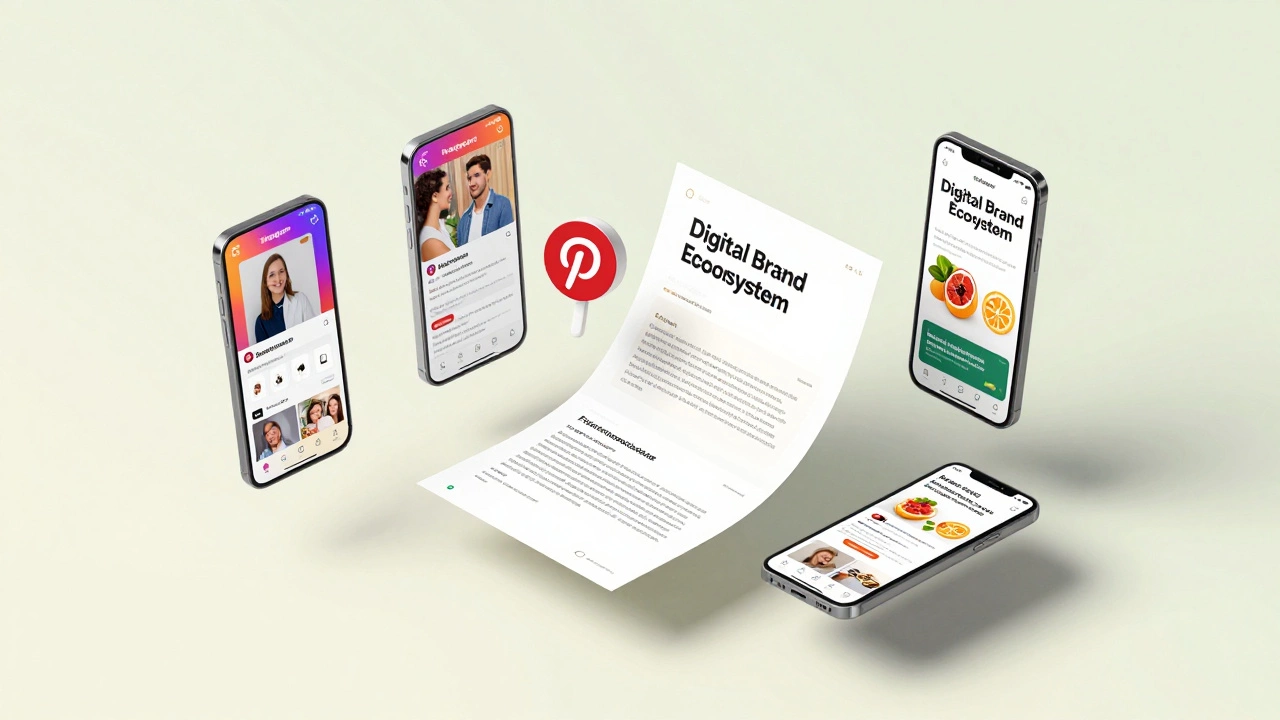
Next, create a "Cohesive Brand Kit." One of the biggest mistakes beginners make is selling single templates. Buyers want a whole ecosystem. If you're targeting nutritionists, don't just sell an Instagram post. Sell a bundle that includes:
- 15 Instagram Carousel slides for educational tips.
- 5 Pinterest pins to drive traffic to their blog.
- A 10-page PDF guide for "Client Onboarding."
- Matching Story templates for daily engagement.
By bundling these, you increase your perceived value. You can charge $27 or $47 for a bundle, whereas a single template might only fetch $2 or $5. This is where the actual profit margins live.
Where to Sell: Comparing the Major Platforms
You have a few choices on where to host your shop. Each has a different vibe and different rules. Some people love the built-in traffic of marketplaces, while others hate the high fees.
| Platform | Pros | Cons | Best For |
|---|---|---|---|
| Etsy | Huge organic traffic, trust. | High fees, stiff competition. | Beginners starting from zero. |
| Shopify | Full control, no competitors. | You must drive your own traffic. | Established brands with a following. |
| Creative Market | High-end designers, better pricing. | Strict approval process. | Professional graphic designers. |
| Gumroad | Fast setup, easy delivery. | Less "shop" feel, more "link" feel. | Selling via social media/Twitter. |
Avoiding the Legal Trap
Here is the part where most people mess up and get their accounts banned. You cannot simply take a pre-made Canva template, change the color to blue, and sell it. That is a violation of their Terms of Service. To sell a template, you must create the design from a blank canvas.
You also need to be careful with the elements you use. If you use "Pro" elements (the ones with the crown icon), your customer will need a Canva Pro subscription to download the final design without watermarks. If they have a free account, they'll be asked to pay for that specific element. To make your templates accessible to everyone, stick to free elements or clearly state in your product description that a Pro account is required.
The delivery method is also specific. You don't send the actual design file; you send a Template Link. This creates a copy of your design in the buyer's account, ensuring they don't accidentally edit your original master file. Most sellers deliver this via a "Thank You" PDF that contains the link and a short instruction guide on how to use it.
The Strategy for 2026: Moving Beyond Static Images
If you're starting today, don't just make static posts. The world has moved toward Short-form Video. Templates for TikTok, Instagram Reels, and YouTube Shorts are in much higher demand than static squares.
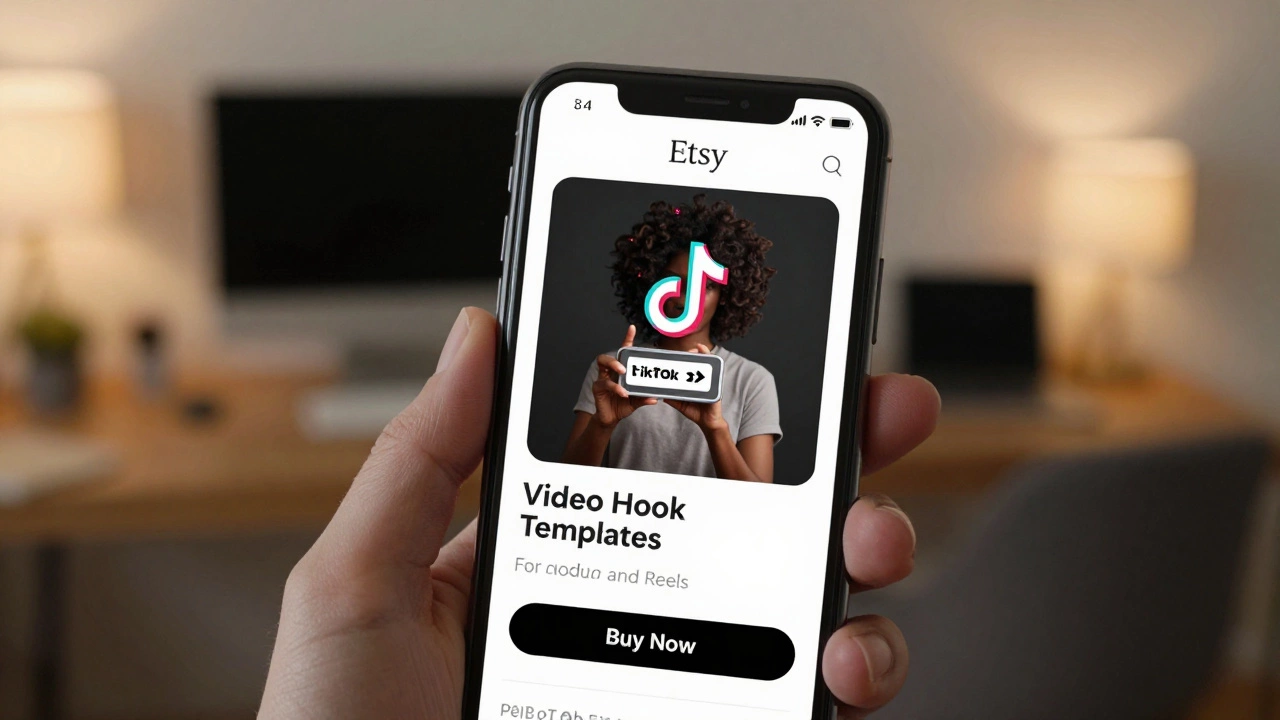
Try creating "Video Hooks Templates." These are 3-5 second intro clips with dynamic text overlays that help creators grab attention. Because video editing is harder than image editing, people are more willing to pay a premium for a template that makes their video look like it was edited by a professional. You can also experiment with Digital Planners, which are essentially massive Canva documents that users import into apps like Goodnotes.
Pricing Your Work for Profit
Stop pricing your work based on how long it took you to make. If a template takes you ten minutes to create because you're an expert, that doesn't mean it's only worth $1. Price it based on the outcome it provides.
If your template helps a freelance accountant save 4 hours of marketing work per month, that is worth significantly more than $5. A common pricing ladder looks like this:
- Entry Level ($7 - $15): A small pack of 10-20 posts. Great for getting people into your ecosystem.
- Mid Tier ($27 - $49): A complete brand kit with various formats (Stories, Posts, Carousels).
- Premium Tier ($97+): A massive "Business-in-a-Box" containing templates, a content calendar, and a guide on how to use them.
Common Pitfalls That Kill Sales
Why do some shops have thousands of sales while others have zero? It usually comes down to the listing images. Your product is a design tool, so if your listing images look ugly, no one will trust you to design their brand. Your thumbnails should be clean, high-contrast, and show the templates in a "mockup" (like on a floating iPhone screen).
Another mistake is ignoring the SEO (Search Engine Optimization) of the platform. On Etsy, for example, using keywords like "aesthetic social media kit" or "minimalist coach templates" in your title and tags is the only way people will find you. If you just name your product "Template Pack 1," you are invisible.
Is selling Canva templates legal?
Yes, as long as you create the design from scratch. You cannot sell a template that was created by Canva or another designer. You are selling your original layout and arrangement of elements, provided you use the "Template Link" feature to share it.
Do I need a Canva Pro account to sell templates?
You don't strictly need one to create templates, but it's highly recommended. Pro allows you to organize your work with folders and use a wider range of fonts and elements. However, remember that if you use Pro elements in a template, your customers will also need Pro to download them without paying for individual assets.
How much can I actually earn per month?
Earnings vary wildly. Some beginners make $50 a month, while top-tier sellers on Etsy make $2,000 to $10,000 monthly. The key is usually the size of the niche and the quality of the marketing. It is a volume game: the more high-quality products you have, the more "hooks" you have in the water.
What is the best niche for templates right now?
Currently, there is high demand for "Service-Based Business" kits. This includes templates for therapists, UGC (User Generated Content) creators, aesthetic medical clinics, and sustainable brand owners. Look for industries that are growing but aren't inherently "tech-savvy" with design.
How do I deliver the template to the customer?
The gold standard is to create a PDF "Delivery Note." In Canva, click 'Share' and select 'Template Link'. Paste this link into a beautifully designed PDF. When the customer buys your product, they download the PDF and click the link, which automatically opens a fresh copy of the template in their own Canva account.
What to Do Next
If you're feeling overwhelmed, start with a "Product Audit." Look at your current design skills and identify one group of people you understand. If you've worked in a gym, make gym owner templates. If you love skincare, make beauty blogger kits.
Spend one week creating a "Minimum Viable Product" (MVP)-perhaps a pack of 10 Instagram posts-and list it on Etsy. Don't wait for it to be perfect. The fastest way to learn what people actually want to buy is to put a price tag on it and see if anyone clicks. If it doesn't sell, tweak the keywords or the images and try again. The magic happens in the iteration, not the first draft.