Ever taken a stunning photo of a mountain range at sunset, a quiet forest trail, or a coastal cliff at dawn - and wished it looked like a classic oil painting? You’re not alone. Today, several apps can turn your ordinary photos into something that looks like it was brushed by hand, with swirling skies, textured brushstrokes, and the rich depth of a 19th-century landscape. But not all apps are created equal. Some look robotic. Others feel alive. Here’s what actually works in 2025.
How photo-to-painting apps really work
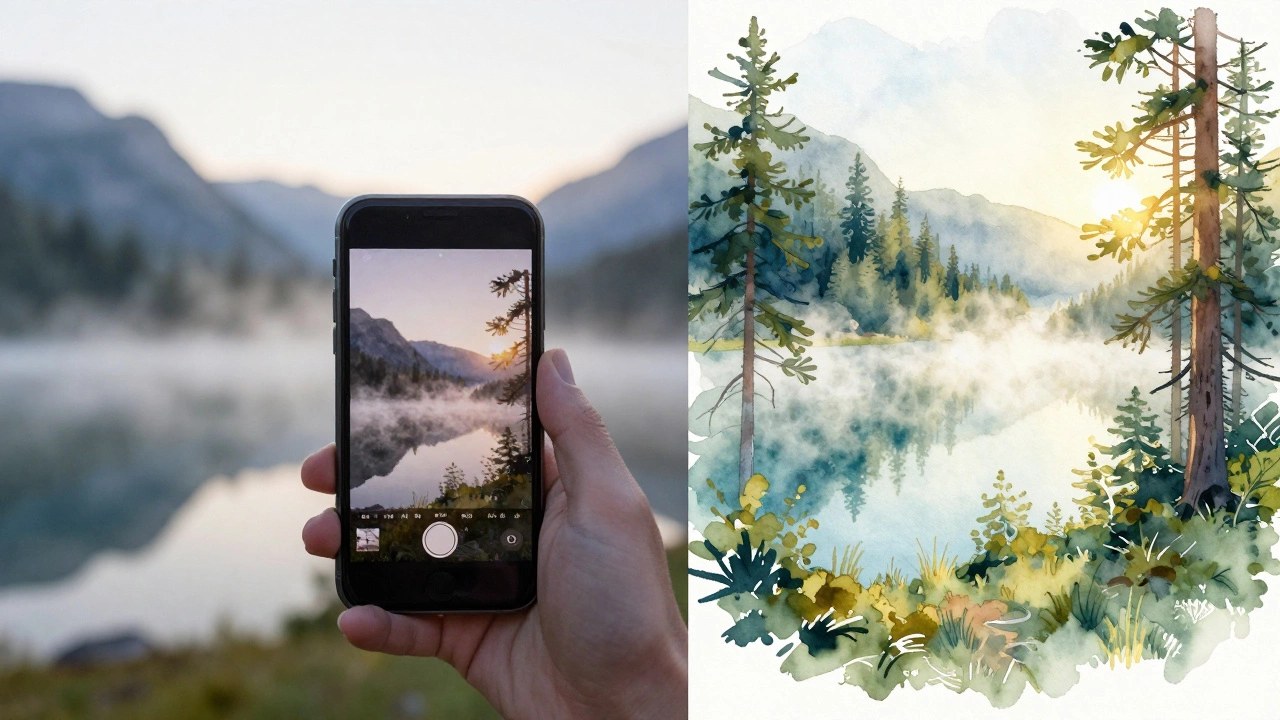
These apps don’t just slap a filter on your image. They use deep learning models trained on thousands of real landscape paintings - from Turner to Monet to contemporary digital artists. The AI learns how brushstrokes behave, how light fades into shadow, how watercolor bleeds into paper, and how oil paint builds up in layers. Then it applies those patterns to your photo, pixel by pixel.
It’s not magic. It’s math. But the result? It can feel like magic.
Unlike simple filters that just change colors, these tools analyze the structure of your photo - the horizon line, the texture of trees, the flow of rivers - and rebuild it using the visual language of painting. The best ones even preserve the mood of your original shot. A misty morning photo stays moody. A bright alpine meadow stays vibrant.
Top apps that turn photos into landscape paintings
After testing over 15 apps in 2025, these five stand out for their realism, control, and output quality.
- Prisma - Still one of the most popular. It’s got a huge library of painting styles, including Van Gogh, Hokusai, and impressionist landscapes. It’s fast, easy, and great for quick results. But it can overdo the brushstrokes, making photos look cartoonish if you’re not careful.
- Adobe Express (with AI Art Generator) - Adobe’s free tool now includes a landscape-specific AI mode. It’s less flashy than Prisma, but the results feel more natural. You can adjust brush density, color saturation, and even simulate canvas texture. Great if you want something that looks like a real painting, not a filter.
- DeepArt - This one’s for purists. It lets you upload your own reference painting (say, a Constable sky) and apply it to your photo. The output is slower but incredibly accurate. If you’ve ever wanted your vacation photo to look like it was painted by John Constable, this is your app.
- Artguru - New in 2025, Artguru specializes in landscape styles. It has modes for watercolor, pastel, and oil on canvas. What sets it apart? It preserves the original lighting and perspective better than most. A photo of a foggy lake doesn’t turn into a muddy mess - it turns into a dreamy, soft-focus painting that still feels real.
- Starry AI - Originally known for fantasy scenes, Starry AI now has a dedicated landscape engine. It’s the only app that lets you choose the era - 1800s Romanticism, 1920s Impressionism, or even a fictional "neo-landscape" style. The results are surreal but stunning. Use it if you want your photo to feel like it belongs in a museum.
What to look for in a good painting app
Not every app delivers. Some turn your photo into a blurry mess. Others charge $20 a month for one style. Here’s what separates the good from the gimmicks:
- Control over brush intensity - Can you dial back the paint so it doesn’t look like a toddler finger-painted it?
- Preservation of detail - Does the mountain ridge still look sharp? Or did the AI turn it into a blob?
- Style variety - Does it offer more than five styles? Real landscape art has hundreds of techniques.
- Resolution output - Can you export at 300 DPI? If you want to print it, you need high-res files.
- No watermarks - Free apps often stick a logo on your masterpiece. Pay attention to export options.
Most apps let you try a few styles for free. Use that. Don’t just pick the first one that looks cool. Test the same photo in three different apps. See which one keeps the soul of your original shot.
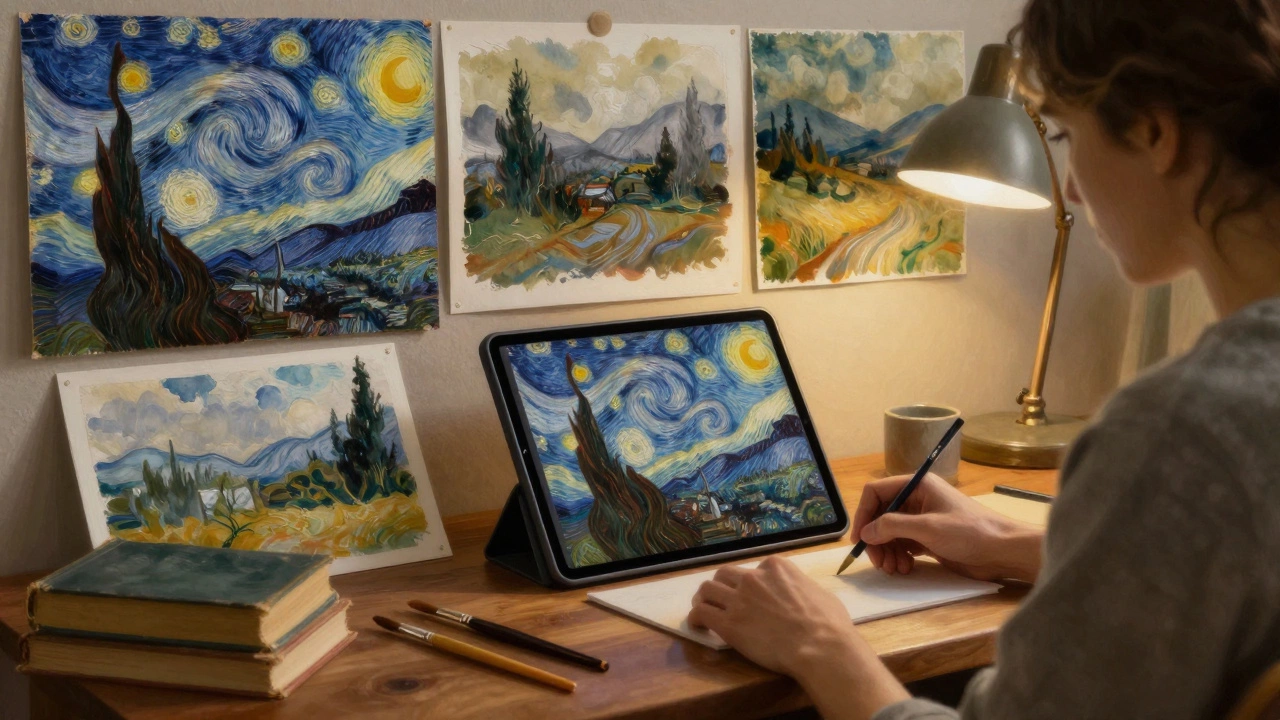
Real examples: Before and after
Take a photo I took last summer near Squamish, BC - a rocky trail with pine trees, a distant peak, and a sliver of blue sky. I ran it through five apps.
- Prisma turned it into a swirling Van Gogh-style sky, but the trees became abstract blobs.
- Adobe Express gave me a soft oil painting look - the rocks kept their shape, the sky had gentle brush strokes, and the colors stayed true to the original light.
- Artguru made it look like a watercolor wash - the mountain faded gently into the clouds. It felt peaceful, like a sketch from a field journal.
- DeepArt with a Turner reference? The sky glowed with golden haze. The trees looked like ink washes. It looked like a 19th-century museum piece.
- Starry AI gave me a dreamy, almost surreal version - the peak floated slightly above the horizon, the clouds had a metallic sheen. It wasn’t realistic, but it was unforgettable.
My favorite? Artguru. It didn’t overdo it. It didn’t lose the photo’s truth. It just made it feel more poetic.
Can you print these as real art?
Yes - but not all apps let you export high enough quality. If you want to frame it, look for apps that offer 300 DPI PNG or TIFF exports. Adobe Express and DeepArt do. Prisma and Starry AI often cap at 1080p, which is fine for phone screens but blurry at 16x20 inches.
Print services like Shutterfly, Minted, or even local art printers can handle these files. Some artists use these AI paintings as base layers, then add hand-painted details on top. It’s a hybrid approach that’s growing in galleries.
What these apps can’t do
Don’t expect them to replace an artist. They can’t invent composition. They don’t understand emotion. A photo of your kid at the beach won’t magically become a profound statement about childhood - no matter how many brushstrokes you add.
These tools are assistants. They’re like having a painter’s palette next to your camera. They help you see your photos differently. They turn moments into memories with texture and weight.
And sometimes, that’s enough.
How to get the best results
Here’s what works in practice:
- Use well-lit photos. Low-light shots turn into muddy smudges.
- Shoot with contrast in mind. Clear horizons, distinct foreground/background layers work best.
- Avoid busy backgrounds. A cluttered street or crowded park confuses the AI.
- Try multiple styles on the same image. You might be surprised which one clicks.
- Save the original. You can always tweak it later.
Pro tip: Use your phone’s portrait mode for landscapes with depth. The depth map helps the AI separate sky, land, and water - leading to more natural brush transitions.
What’s next for AI landscape art?
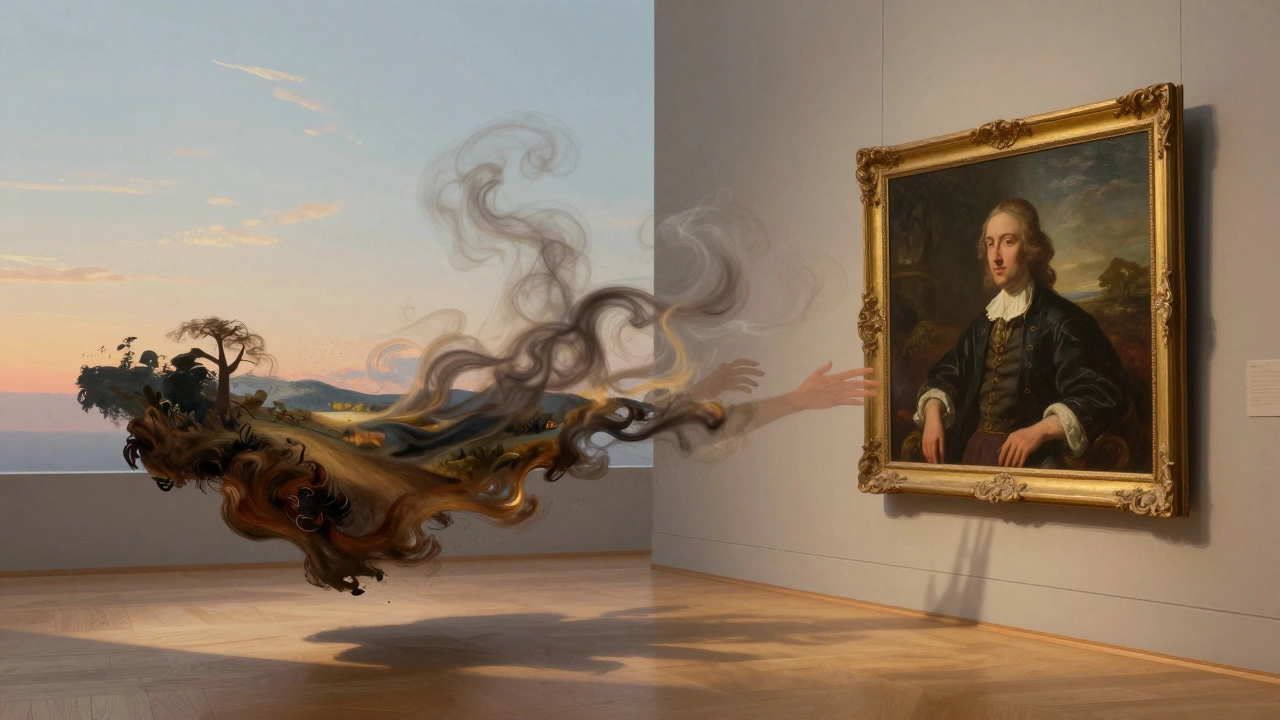
By 2026, expect apps to let you control the brush type (hog hair? sable?), the canvas grain, even the varnish finish. Some are already testing AI that mimics specific artists’ hand movements - not just their style, but their rhythm.
There’s also a quiet movement in the art world: people using AI-generated landscapes as inspiration for real paintings. Artists download a result, print it on canvas, and paint over it with real oils. The AI becomes the sketch. The human becomes the soul.
That’s the real power of these tools. They don’t replace creativity. They expand it.
Can I turn any photo into a landscape painting?
Most photos work, but not all. The best results come from images with clear composition - a defined horizon, distinct elements like trees or mountains, and good lighting. Busy photos with too many people or chaotic backgrounds often confuse the AI and produce muddy results.
Are these apps free to use?
Most offer free trials with limited styles or lower resolution. Adobe Express and Artguru give you several free styles. Prisma and Starry AI require subscriptions for full access. You can get decent results for free, but if you want high-res exports and more styles, expect to pay $5-$12/month.
Do these apps work on Android and iPhone?
Yes. All the top apps - Prisma, Adobe Express, Artguru, DeepArt, and Starry AI - are available on both iOS and Android. Some, like Artguru, have slightly better performance on newer iPhones due to Apple’s neural engine optimization.
Can I sell AI-generated landscape art?
It depends on the app’s terms. Adobe Express and Artguru allow commercial use of generated images. Prisma and Starry AI restrict commercial sales unless you upgrade to a pro plan. Always check the license before selling prints or using them in products.
Why does my painting look weird sometimes?
AI sometimes misinterprets textures. Water becomes a brushstroke mess. Clouds turn into scribbles. This happens when the photo lacks contrast or has too much motion blur. Try sharpening the image slightly in your phone’s editor before uploading. Also, avoid using heavily edited or filtered photos - the AI gets confused by layers of adjustments.
Final thought: It’s not about replacing art - it’s about seeing differently
These apps don’t make you an artist. But they might help you see your own photos as art. A quiet forest path you took on a hike? It’s not just a memory. It’s a potential painting. A sunset you missed capturing? Maybe you can recreate its feeling - not with a camera, but with a brushstroke the AI learned from centuries of painters.
The best tool isn’t the one with the most styles. It’s the one that lets you feel something again - the same awe you felt when you took the photo.