Art Print Printer Advisor
Answer a few questions about your artistic practice to get a tailored recommendation for your printing workflow.
Recommended Strategy
Estimated Cost Analysis
Key Considerations
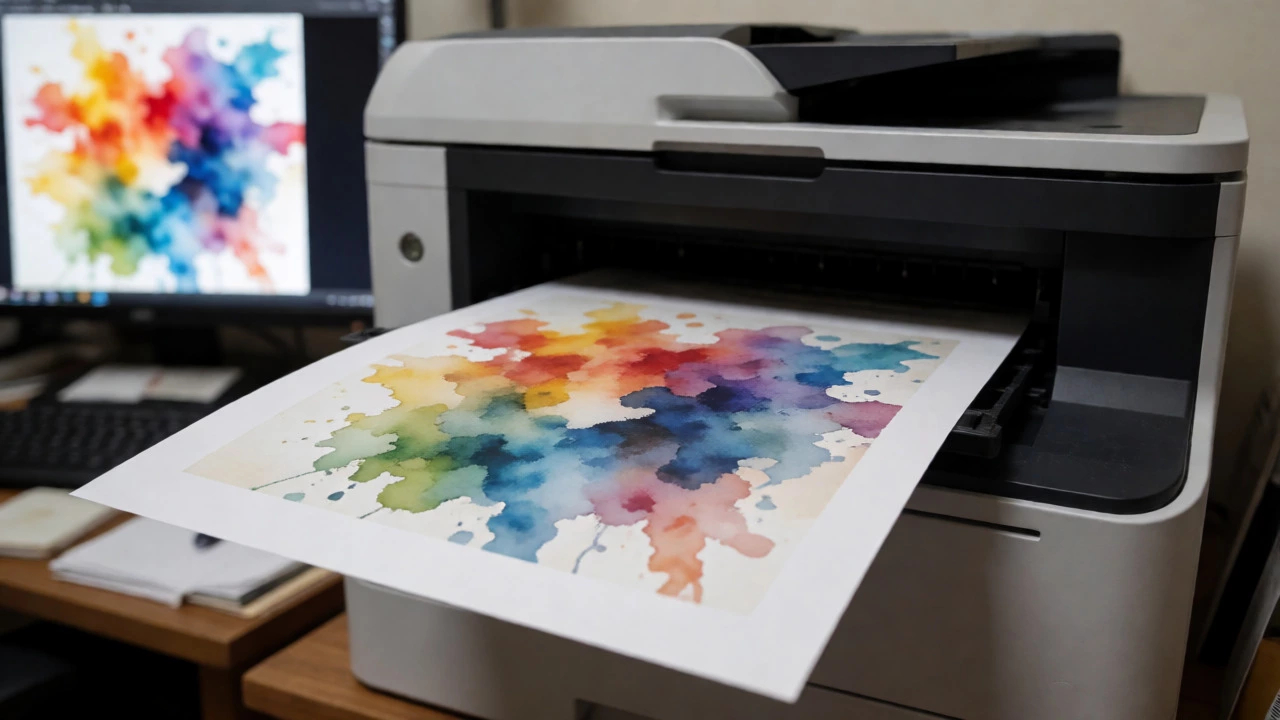
You just finished a stunning digital illustration or scanned a watercolor masterpiece. Now comes the tricky part: getting it onto paper without turning your vibrant colors into muddy, pixelated messes. The question every artist faces is simple but loaded with technical baggage: do you need a special printer for art prints? The short answer is yes, if you care about longevity and color accuracy. The long answer involves understanding why your standard office laser printer fails at this specific job and what actually works.
Think of your average home printer as a fast-food chef. It’s great for quick, disposable results like school worksheets or shipping labels. But art prints are more like a gourmet meal-they require specific ingredients, precise temperatures, and time to set properly. If you try to serve a five-course dinner using a microwave, you’re going to be disappointed. Similarly, trying to produce gallery-quality art on a $50 all-in-one laser printer will leave you wondering why your work looks flat and lifeless.
Why Standard Laser Printers Fail at Art
Laser printers dominate offices because they are fast and cheap per page. They use toner, which is essentially plastic powder fused onto paper with heat. This process creates sharp text, which is perfect for contracts. But art isn’t just about sharp edges; it’s about subtle gradients, deep blacks, and accurate skin tones or landscape hues.
When a laser printer tries to handle continuous-tone images (like photos or paintings), it uses a technique called dithering. It places tiny dots of cyan, magenta, yellow, and black in patterns to simulate other colors. From a distance, it might look okay. Up close, especially on glossy photo paper, you see the dot pattern. Worse, the heat from the fuser can warp thin art papers or cause the toner to crack when you roll the print up for shipping. For an artist selling limited editions, a cracked surface is a return waiting to happen.
The Inkjet Advantage for Fine Art
If you want true art reproduction, you need an inkjet printer. Specifically, you need one that uses pigment-based inks, not dye-based ones. This distinction is critical.
Inkjet technology sprays microscopic droplets of liquid ink onto the paper. Unlike laser toner, which sits on top of the sheet, ink absorbs into the fibers. This absorption allows for smoother transitions between colors and deeper saturation. However, not all inks are created equal. Dye inks are bright and cheap but fade quickly when exposed to light-sometimes within a year. Pigment inks contain solid particles that sit within the paper fibers, resisting UV damage for decades. If you plan to sell your work, pigment is non-negotiable.
Professional-grade printers often have more than four ink cartridges. While consumer models stick to CMYK (Cyan, Magenta, Yellow, Black), art-focused machines add Light Cyan, Light Magenta, Grey, or even Photo Black. Why so many? Because mixing black with white to create grey introduces a blue tint. Dedicated grey inks allow for neutral shadows, which is essential for black-and-white photography or monochromatic sketches.
Paper Matters More Than You Think
You could own the best printer in the world, but if you load it with cheap copy paper, your art will look cheap. Paper is half the equation. In the industry, we refer to this as the "substrate." For art prints, you generally want cotton rag or alpha-cellulose papers with a matte or semi-gloss finish.
Cotton rag paper feels thick and textured, similar to traditional drawing paper. It absorbs ink slowly, which prevents bleeding and gives the print a tactile quality buyers expect from original art. Alpha-cellulose is a wood-pulp alternative that is whiter and smoother, often used for photographic prints. Avoid anything labeled "glossy" unless you specifically want that high-shine look, as gloss reflects room lighting and hides detail.
| Feature | Laser Printer | Consumer Inkjet | Fine Art Inkjet |
|---|---|---|---|
| Ink Type | Toner (Plastic) | Dye or Hybrid | Pigment |
| Color Longevity | 1-3 Years | 5-10 Years | 50-100+ Years |
| Max Paper Weight | Low (Prone to jams) | Medium | High (Up to 400gsm) |
| Cost Per Print | Very Low | Moderate | High |
| Best For | Text/Documents | Casual Photos | Saleable Art Editions |
What Makes a Printer "Special"?
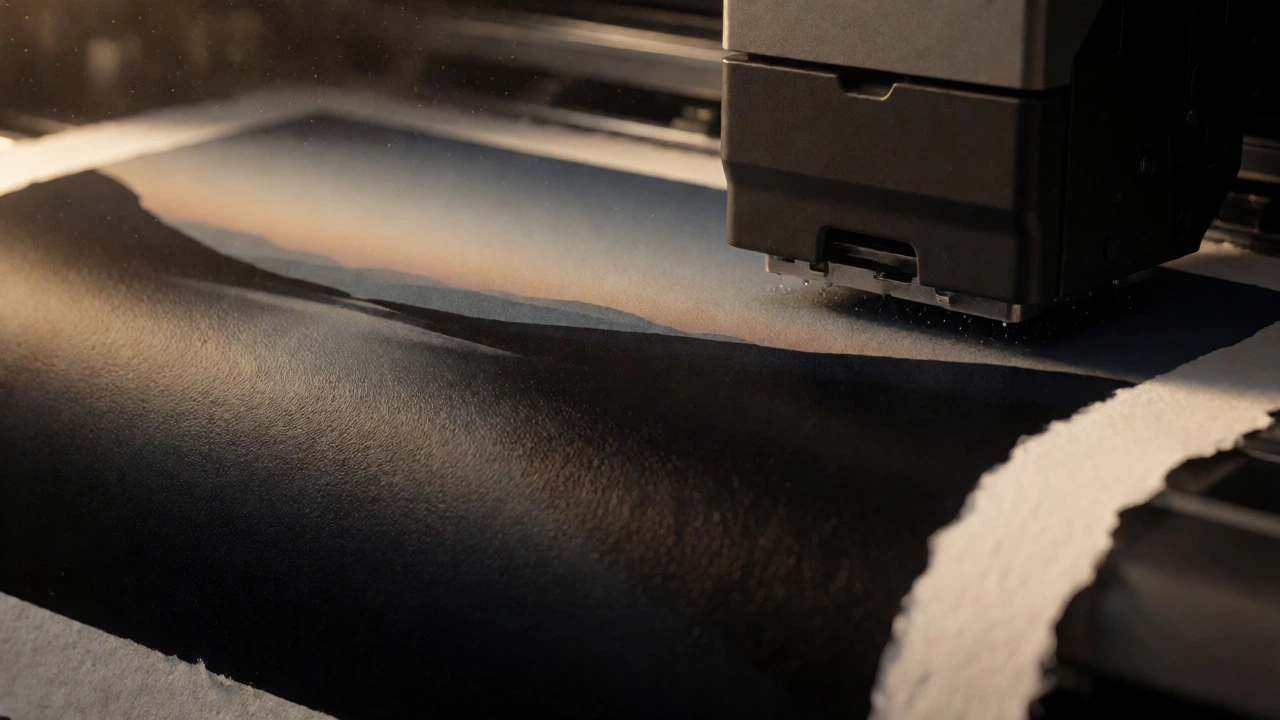
So, what exactly separates a Canon PIXMA or Epson EcoTank from a dedicated fine art machine? It’s not just the brand name. It’s the engineering behind the feed mechanism and the ink system.
First, look at the paper path. Standard printers pull paper from the bottom tray, bend it around rollers, and eject it. This bending stress can scratch delicate coated papers or cause skewing on heavy cardstock. Fine art printers often feature a rear-feed slot. This allows the paper to enter straight from the back, reducing bending and allowing you to load thick, textured sheets that would jam a normal machine.
Second, consider the ink capacity. Printing large-format art consumes ink rapidly. If you buy a small printer with tiny cartridges, you’ll spend more time replacing them than creating art. Professional models use larger tanks or individual high-capacity cartridges. Some even offer bulk ink systems, though these require careful maintenance to prevent clogging.
Third, check the maximum print size. Do you need to print 8x10s, or are you aiming for 17x22 inches? Many entry-level "photo" printers cap out at 8.5x11 inches. To print poster-sized art, you need a wide-format printer. These machines take up significant desk space, so measure your studio before buying.
DIY vs. Outsourcing: When to Buy
Here is the uncomfortable truth: for most artists starting out, buying a specialized printer is a financial mistake. A decent entry-level fine art printer costs between $600 and $1,000. Add in the cost of ink and premium paper, and each print might cost you $5 to $10 in materials alone. If you only sell ten prints a month, you’ll wait years to break even on the hardware.
Outsourcing to a professional print lab is often smarter initially. Labs use industrial-grade equipment calibrated daily. They offer services like proofing (sending you a test print) and finishing (trimming and packaging). You pay a premium per unit, but you avoid the upfront capital risk. Once your volume exceeds 50-100 prints a month, the math shifts in favor of owning your gear.
However, there are scenarios where owning a printer makes sense immediately:
- You need instant gratification for client proofs.
- You experiment with mixed media and need total control over color profiles.
- You live far from a reliable local print shop.
- You plan to offer custom sizes on demand, which labs charge extra for.
Calibration and Color Management
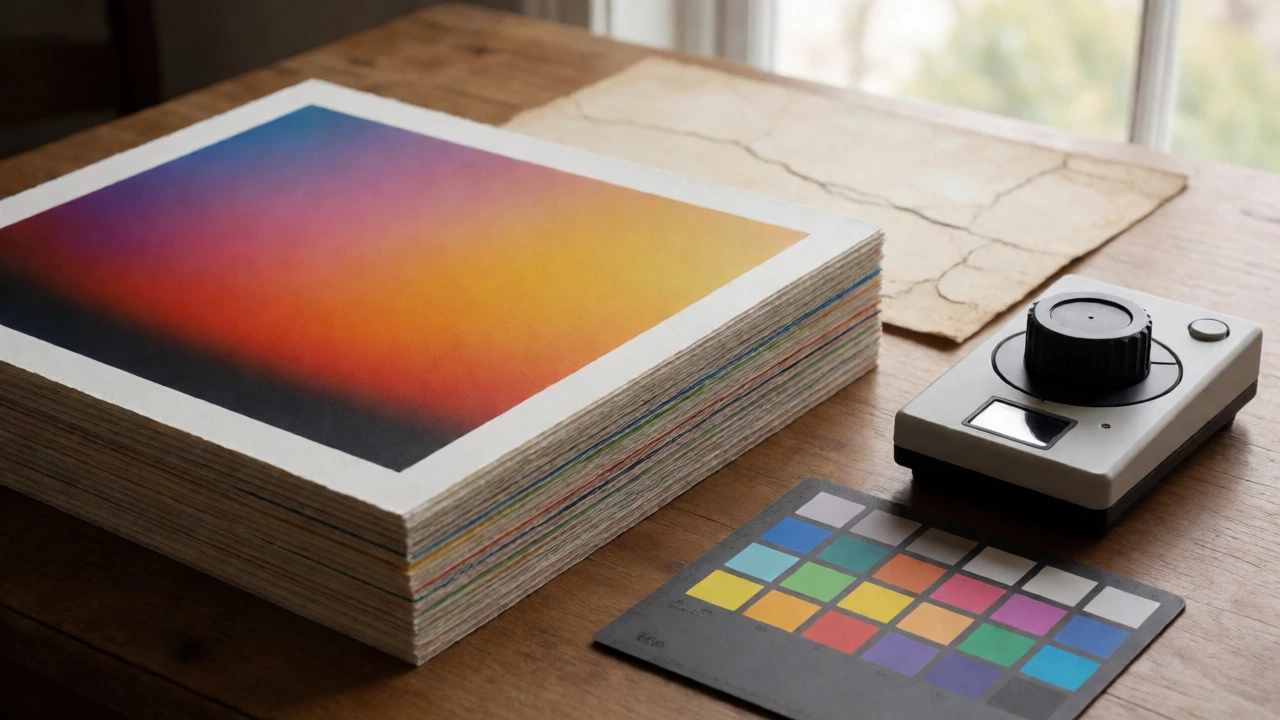
Owning the right printer doesn’t guarantee correct colors. Your computer screen displays light (RGB), while printers mix pigments (CMYK). Without calibration, the red on your monitor won’t match the red on the paper. This is called color mismatch, and it ruins sales.
To fix this, you need two things: ICC profiles and a spectrophotometer. An ICC profile is a data file that tells your printer how to translate screen colors to ink for a specific paper type. Most printer manufacturers provide generic profiles, but they are rarely accurate for third-party art papers. For serious work, you should create custom profiles using a device like an X-Rite i1Profiler. This tool measures printed patches and generates a unique map for your exact printer-paper combo.
Don’t skip this step. I’ve seen artists lose customers because their "blue sky" prints came out purple. The printer wasn’t broken; the software was guessing wrong. Calibration turns guessing into precision.
Budget-Friendly Alternatives
If a $1,000 printer is out of reach, don’t despair. You can get surprisingly good results with mid-range photo printers. Look for models that support borderless printing and have separate ink cartridges (so you don’t replace black ink when you run out of yellow). Brands like Canon and Epson offer sub-$300 options that handle 13x19 inch prints.
These aren’t museum-grade archival machines, but they are excellent for limited edition runs of 50 or fewer. Use high-quality matte paper to hide minor banding issues. Just remember to store these prints away from direct sunlight, as cheaper inks fade faster.
Another hack is to use a hybrid approach. Print small thumbnails or drafts on a cheap laser printer for layout checks. Reserve your expensive inkjet paper and ink for the final saleable copies. This saves money on wasted tests.
Maintenance Is Key
Inkjet printers hate neglect. If you don’t print for three weeks, the nozzles dry out and clog. Cleaning cycles waste massive amounts of ink. To keep your investment healthy, print a small test page weekly. This keeps the ink flowing and prevents air bubbles from forming in the lines.
Also, dust is the enemy of art prints. Since you’re working with open trays and manual feeds, dust settles on wet ink. Keep your printer covered when not in use, and never place it near a window where pollen or construction dust blows in.
Can I use regular photo paper for art prints?
You can, but it’s not recommended for fine art. Regular photo paper is usually resin-coated and designed for dye inks. It produces a shiny, plastic-like finish that lacks the texture and depth expected in art collections. For art, use uncoated or matte-finish cotton rag paper, which provides a natural, tactile feel and better archival stability.
How long do pigment ink prints last?
Under proper conditions (displayed away from direct sunlight and humidity), pigment ink prints on archival paper can last 50 to 100 years or more. This is significantly longer than dye-based prints, which may fade noticeably within 5 to 10 years depending on exposure.
Is a laser printer ever okay for art?
Laser printers are acceptable for line art, black-and-white sketches, or graphic designs with flat colors. They struggle with continuous tones, gradients, and photographs due to visible dot patterns and limited dynamic range. If your art relies on smooth shading or rich color blending, laser is generally unsuitable.
What is the difference between Giclée and standard inkjet?
Giclée is a marketing term for high-quality inkjet prints made with archival pigment inks on acid-free paper. Technically, any inkjet print is a "giclee" (French for squirt), but in the art world, it implies museum-grade standards. If a printer uses dye inks or non-archival paper, it cannot legally or ethically be sold as a true Giclée.
Do I need a computer to drive the printer?
Yes, for art prints, you need a computer to manage color profiles. Smartphone apps are convenient for snapshots but lack the precision needed for color-critical work. You must send the file through a driver that respects the embedded color tags to ensure the output matches your screen intent.
Ultimately, the decision rests on your business model. If you are a hobbyist sharing work with friends, a decent consumer inkjet will suffice. If you are building a brand and selling limited editions, investing in a pigment-based fine art printer-or partnering with a reputable lab-is essential. Don’t let poor reproduction undermine your hard work. Choose the tool that respects the integrity of your image.