Free Music Streaming Finder
Quick Comparison
It is 2026, and if you are asking whether Google Play Music is free, you might be looking at an old tutorial or a dusty forum thread. Here is the short answer: Google Play Music is defunct, shut down permanently on December 31, 2020. You cannot sign up for it. You cannot download the app from the Play Store anymore. It does not exist.
However, the question usually stems from a deeper need: "How do I listen to music for free using Google services?" or "What happened to my library?" Since the service vanished five years ago, many users still carry the habit of searching for it. This guide clears up the confusion, explains what replaced it, and breaks down which current options actually let you stream music without paying a dime.
The End of an Era: Why Google Killed Its Own Service
To understand why you can't find a free tier for Google Play Music today, you have to look back at its final days. Launched in 2011, it was one of the first major players in the cloud music locker space. For years, it offered a hybrid model: a paid subscription that gave you unlimited access to a massive catalog plus your own uploaded files, and a limited free version that relied heavily on ads.
But by 2020, the landscape had shifted dramatically. Google realized it was splitting its own resources between two competing products: Google Play Music and YouTube Music, launched in 2015 as a spin-off of YouTube Red (now YouTube Premium). Maintaining two separate apps, two separate libraries, and two separate recommendation engines was inefficient.
In October 2020, Google announced the shutdown. By January 1, 2021, the servers went dark. If you were a subscriber, you got a full year of YouTube Music Premium for free. If you were on the free tier, you were forced to migrate to the ad-supported version of YouTube Music. There was no grace period for staying put. The transition was messy for many, but it consolidated Google's efforts into one platform.
YouTube Music: The Direct Successor
If you want the closest experience to what Google Play Music used to offer, you need to look at YouTube Music. It inherited the entire infrastructure, including the algorithmic recommendations that Google Play Music was famous for. But here is where things get tricky regarding the "free" aspect.
YouTube Music has two distinct tiers:
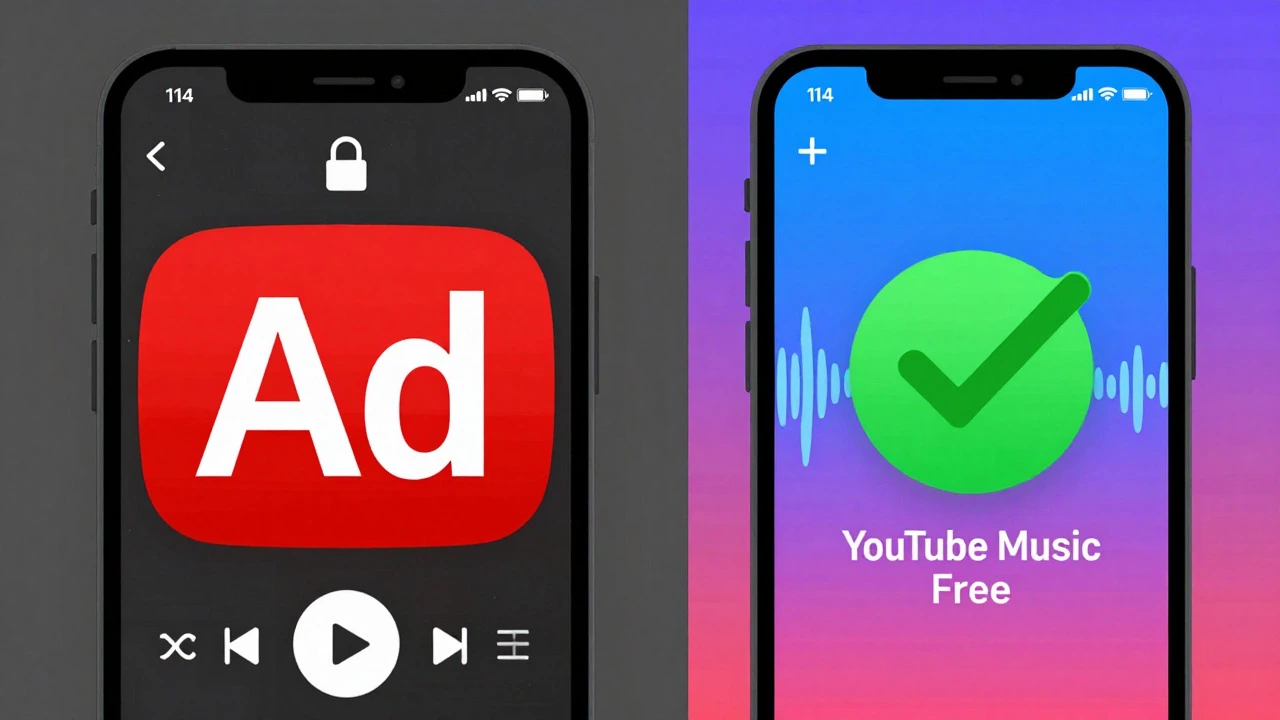
- YouTube Music Free: This allows you to search and play songs. However, it comes with significant limitations. You will hear audio ads between tracks. On mobile devices, you cannot play music in the background if you lock your screen or switch to another app. The video player must remain open. Shuffle mode is often enforced for albums and playlists, meaning you lose control over the track order.
- YouTube Music Premium: This costs money (prices vary by region, typically around $10.99/month in the US). It removes ads, allows background play, enables offline downloads, and lets you skip tracks freely.
For many users coming from the old free tier of Google Play Music, the lack of background play on the free version of YouTube Music is a dealbreaker. You essentially have to keep your phone screen on while listening, which drains your battery quickly. If you just want to hear a specific song once in a while, the free tier works. If you want to use it as your primary radio, the restrictions become annoying fast.
Did You Lose Your Uploaded Songs?
One of the unique features of Google Play Music was the ability to upload your personal MP3 collection to the cloud. You could store up to 50,000 songs for free. When the service shut down, Google provided a migration tool to move these files to YouTube Music.
Here is the catch: To access those uploaded personal songs on YouTube Music, you generally needed a Premium subscription. If you stayed on the free tier, your personal library became largely inaccessible unless you matched them with official releases in the YouTube Music catalog. Many users found their custom mixes broken because the matching algorithm wasn't perfect. If you still have local copies of those MP3s on your computer or external hard drive, now is the time to back them up elsewhere. Relying on a defunct service's legacy data is risky.
Other Truly Free Music Alternatives in 2026
If the restrictions on YouTube Music Free bother you, you are not out of options. The market for free, ad-supported music streaming is competitive. Here are the best alternatives that don't require a credit card.
| Service | Background Play (Mobile) | Skip Limits | Offline Downloads | Ad Frequency |
|---|---|---|---|---|
| Spotify Free | No (Video required) | Limited (6 skips/hour) | No | Moderate |
| YouTube Music Free | No | Limited/Shuffle only | No | High |
| Amazon Music Free | No | Limited | No | Moderate |
| SoundCloud | Yes (Mostly) | Unlimited | Limited | Low/Medium |
| Pandora | Yes | Limited (6 skips/hour) | No | High |
Spotify Free remains the most popular alternative. Like YouTube Music, it restricts background play on mobile and limits your skips. However, its social features and playlist curation are widely considered superior. If you primarily listen on a desktop or laptop, the free tier is much more generous, allowing background play and fewer restrictions.
SoundCloud is a different beast entirely. It focuses less on major label hits and more on independent artists, remixes, and podcasts. Because of this, the free experience is often better. You can usually play tracks in the background, and there are fewer aggressive shuffle modes. If you enjoy discovering underground hip-hop, electronic beats, or indie folk, SoundCloud is a goldmine that doesn't feel as restrictive as the big tech giants.
Pandora is worth mentioning for its "Music Genome Project." It builds stations based on songs or artists you like. Unlike Spotify or YouTube Music, Pandora allows background play on its free mobile tier. The downside is that you have less control over what plays next; it is a radio-style experience, not an on-demand library. You can skip six times per hour, but after that, you are stuck with the algorithm's choices.
Should You Pay for Premium?
After five years of living in a post-Google Play Music world, the consensus among heavy listeners is clear: free tiers are fine for casual background noise, but they are frustrating for active listening. The inability to turn off your phone screen while commuting or exercising is a major pain point.
If you decide to pay, consider your ecosystem. If you already pay for YouTube Premium to remove ads from regular YouTube videos, then YouTube Music Premium is included in that bundle. This makes it effectively "free" if you value ad-free video content anyway. Similarly, if you are an Amazon Prime member, you get access to Amazon Music Free (which is actually quite limited) or a discounted rate for Amazon Music Unlimited.
For pure music lovers, Spotify Premium often offers the best balance of price, cross-platform compatibility, and user interface. Student discounts and family plans can bring the cost down significantly. But if your budget is strictly zero, stick to SoundCloud for discovery and Pandora for passive listening, as they offer the fewest friction points for free users.
How to Migrate Old Data (If You Haven't Already)
Believe it or not, some users still have old credentials or cached data from 2020. If you are trying to recover old playlists, you are likely too late for the official migration window. However, you can try to reconstruct your library.
- Check your email archives: Search for emails from "Google Play Music" sent between 2019 and 2020. They often contained links to export your playlist data as CSV files.
- Use third-party tools: Services like TuneMyMusic or Soundiiz allow you to import CSV files into Spotify, Apple Music, or YouTube Music. If you have those old CSV exports, you can rebuild your playlists manually.
- Re-upload to YouTube Music: If you have the original MP3 files, you can upload them to YouTube Music again. Note that this feature is primarily available on desktop browsers, not the mobile app.
Don't expect magic. The direct link is broken. But with some manual effort, you can salvage your curated tastes.
Can I still download the Google Play Music app?
No. The app was removed from all app stores in December 2020. Even if you find an old APK file online, it will not connect to any servers and is potentially a security risk.
Is YouTube Music completely free?
There is a free tier, but it includes ads and requires the screen to stay on for playback on mobile devices. Full features like background play and offline downloads require a Premium subscription.
Where did my Google Play Music uploads go?
They were supposed to migrate to YouTube Music. If you didn't complete the migration process by early 2021, those files may be lost. Check your desktop browser version of YouTube Music to see if they appear in your library.
Which free music app allows background play?
Pandora and SoundCloud generally allow background play on their free tiers. Spotify and YouTube Music do not allow background play on mobile without a paid subscription.
Does Google Play Music work on iOS?
It used to, but since the service shut down in 2020, there is no iOS app available. Users on iPhones should switch to the YouTube Music app instead.