Ticketmaster Success Probability Calculator
Step 1: Assess Current Conditions
Step 2: Your Preparation Checklist
Your Success Score
Recommended Strategy
Key Takeaways
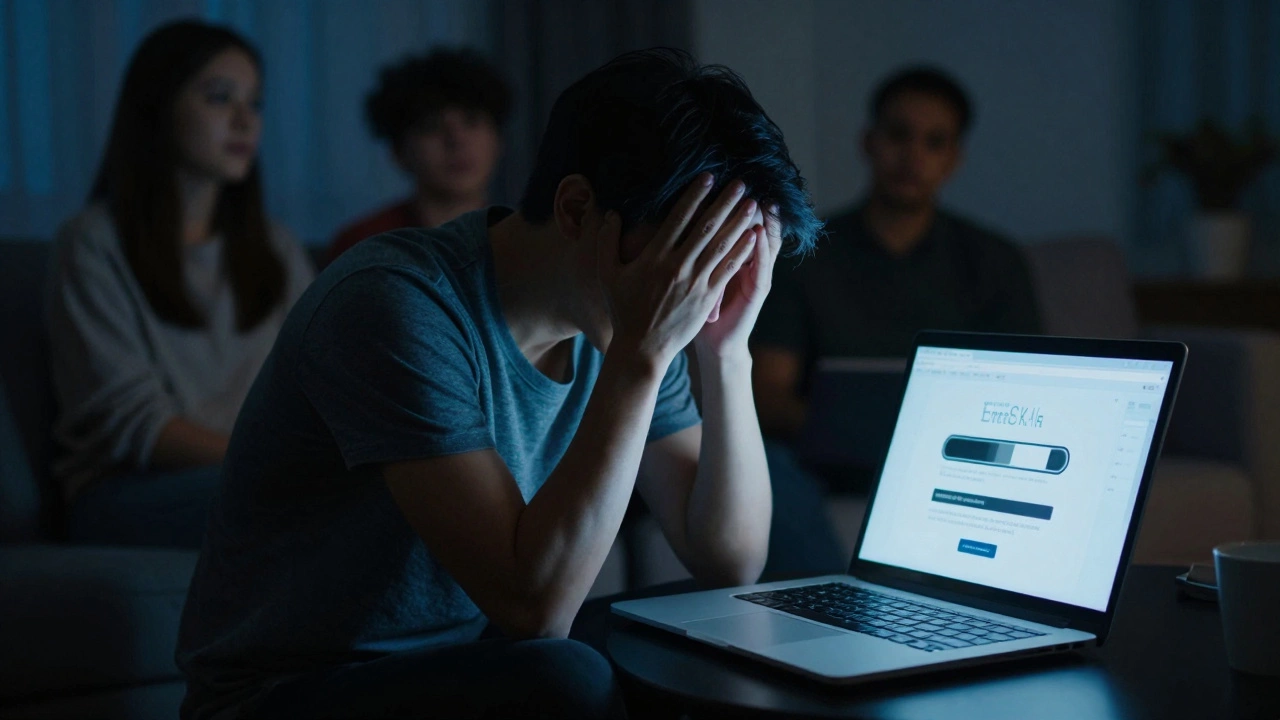
It’s Friday night. You’ve got your credit card ready, your friends are waiting in the group chat, and you’re staring at a spinning wheel on Ticketmaster is the dominant platform for purchasing tickets to concerts, sports events, and theater productions globally. The page won’t load. Or worse, it loads, but your cart empties out every time you refresh. If you’ve ever asked yourself, "Is Ticketmaster acting up?" you aren’t alone. In fact, you’re part of a massive crowd experiencing what feels like a personal glitch that is actually a systemic overload.
The frustration is real because the stakes are high. We’re talking about seeing our favorite artists, often once in a lifetime. When the system fails, it doesn’t just annoy us; it costs us money, time, and memories. But before you blame your internet connection or restart your router, let’s look at why these crashes happen, how to tell if it’s a site-wide issue or just you, and most importantly, how to actually get those tickets when the pressure is on.
Why Does Ticketmaster Keep Crashing?
To understand the crash, you have to understand the scale. Ticketmaster isn’t just selling tickets; it’s handling millions of concurrent requests in seconds. When a major artist like Taylor Swift or Beyoncé announces a tour, the traffic spike is comparable to Black Friday sales, but compressed into minutes rather than hours. This phenomenon is known as a traffic surge is a sudden increase in web traffic that exceeds normal capacity levels.
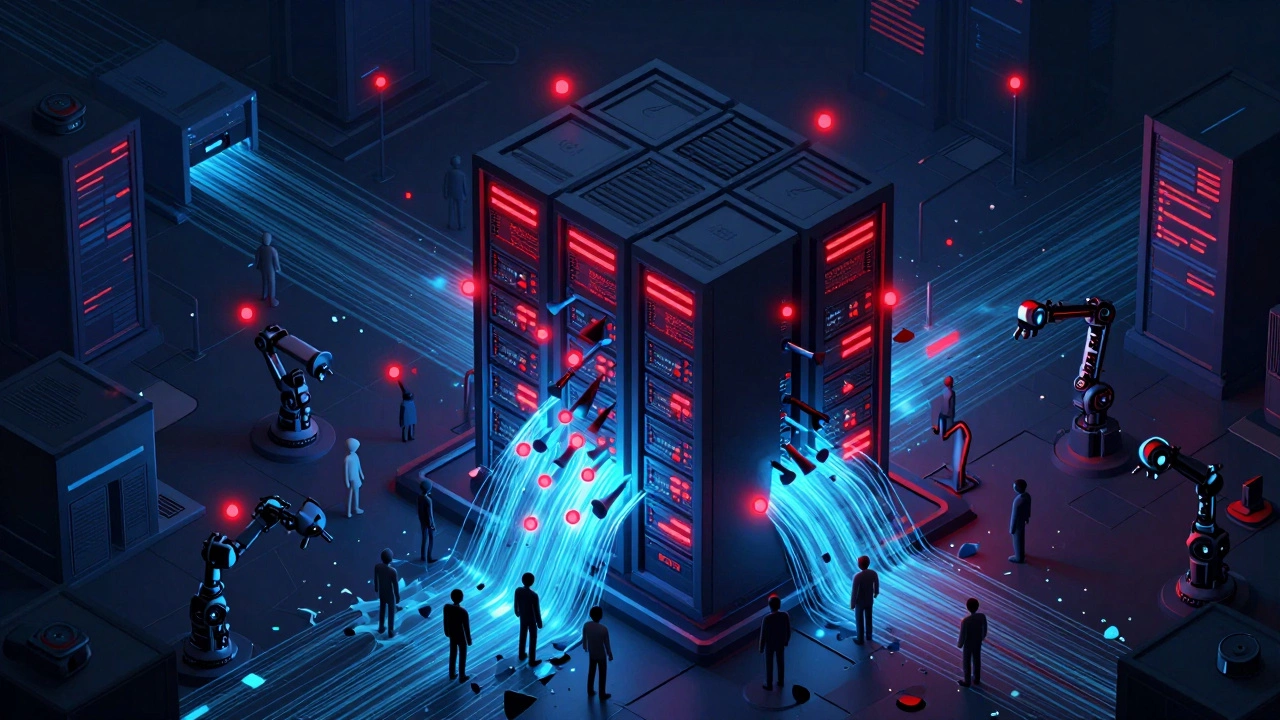
Here is the technical reality: servers have limits. Even with cloud infrastructure from giants like Amazon Web Services, there is a bottleneck. When 50 million people try to click "Buy" at the exact same second, the database queries pile up. The system starts rejecting connections to protect itself from total collapse. This isn’t always negligence; it’s often a defensive measure called rate limiting. However, when the limit is too low or the scaling is slow, users see errors.
- Server Overload: The primary cause. Too many users, not enough processing power available instantly.
- Bots and Scalpers: Automated scripts hit the site faster than humans, consuming bandwidth and creating false inventory checks.
- Payment Gateway Delays: Sometimes the ticket site works, but the payment processor (like Stripe or PayPal) lags, causing the transaction to timeout.
- Regional Restrictions: Servers may be overloaded in one country while working fine in another, depending on where the data centers are located.
How to Tell If It’s a Site-Wide Outage
Before you panic, check the status. Assuming the whole world is against you can lead to poor decisions, like refreshing too often and getting IP-banned. Here is how to diagnose the problem quickly.
First, check social media. Twitter (or X) is the fastest indicator. Search for "#Ticketmaster" or "#TicketmasterDown." If you see hundreds of posts within the last 15 minutes complaining about the same error code, it’s a site-wide issue. Second, use third-party monitoring tools. Websites like Downdetector aggregate user reports in real-time. If the graph spikes, stay off the site until it drops. Refreshing during a peak spike only adds to the load and reduces your chances of success.
If social media is quiet and Downdetector shows no issues, the problem might be local. Clear your browser cache, try a different browser (Chrome vs. Firefox), or switch from Wi-Fi to mobile data. Sometimes, your ISP is throttling traffic to entertainment sites, which is rare but possible during peak hours.
The "Bot" Problem: Are You Competing Against Robots?
This is the dirty secret of online ticketing. A significant portion of the traffic hitting Ticketmaster during high-demand sales isn’t human. These are bots-software programs designed to bypass queues and purchase tickets in milliseconds. They don’t need to read terms and conditions, select seats visually, or enter addresses manually. They just execute code.
Ticketmaster has implemented CAPTCHAs and queue systems to fight this, but it’s an arms race. As they update their security, bot developers update their scripts. This creates a hostile environment for regular buyers. You might find yourself stuck in a "virtual waiting room" for 45 minutes, only to find that all good seats are gone. This isn’t necessarily a crash; it’s a symptom of artificial demand created by scalpers who plan to resell the tickets at a markup on secondary markets.
While Ticketmaster claims to have robust anti-bot technology, the sheer volume makes it imperfect. For consumers, this means patience is your best weapon. Bots often fail when human verification steps become too complex or random. Staying calm and completing the captcha correctly gives you a better chance than frantically clicking buttons.
Practical Tips to Buy Tickets When the System Is Glitchy
If you know a sale is coming and you expect chaos, preparation is key. Here is a step-by-step guide to increasing your odds of success.
- Create Your Account Early: Do not create an account on sale day. Sign up weeks in advance. Fill in your profile completely, including billing address and phone number. This removes friction during checkout.
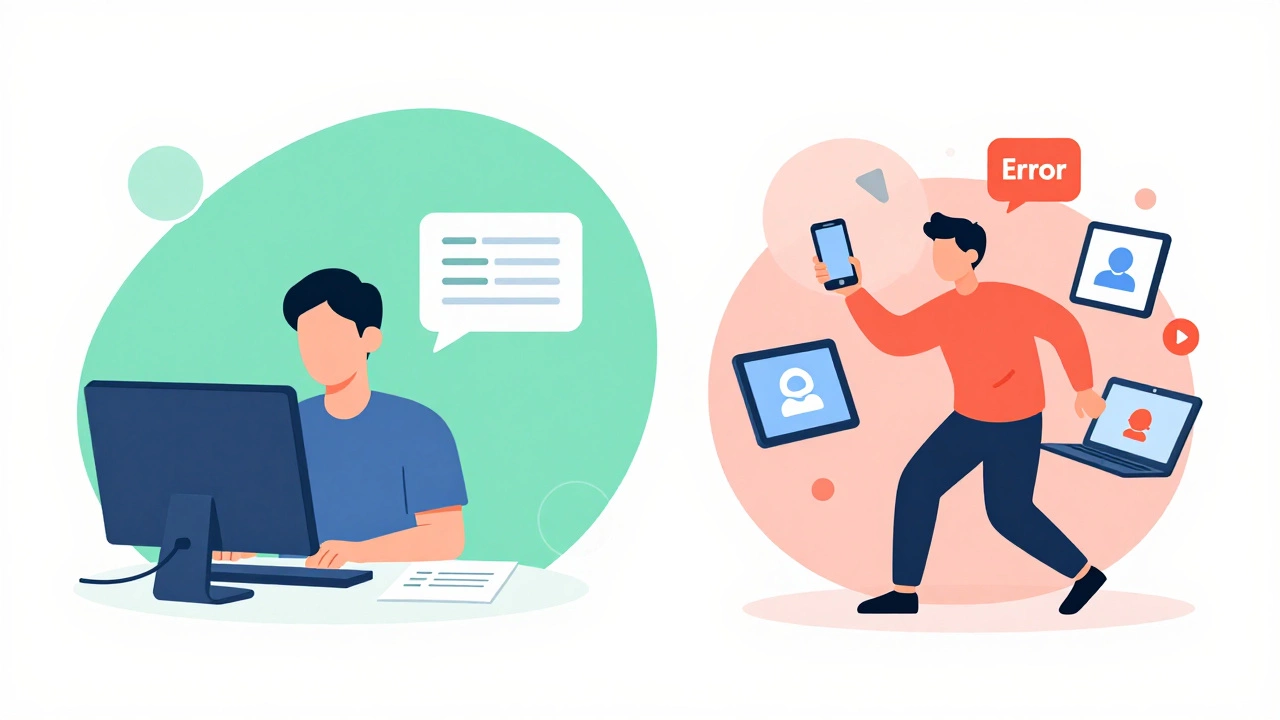
- Use One Device: Avoid the temptation to log in on your phone, laptop, and tablet simultaneously. Ticketmaster’s system may detect multiple sessions from the same user and flag you as a bot, kicking you out of the queue. Stick to one device, preferably a desktop computer with a stable wired connection.
- Join the Verified Fan Program: For major tours, Ticketmaster uses a registration system called Verified Fan is a registration system that prioritizes genuine fans over bots for ticket purchases. Register early. If you get a code, you’re guaranteed a shot. If you don’t, you’re still eligible, but lower priority.
- Have Payment Details Ready: Copy and paste your credit card numbers into a text file. Having to dig for your wallet while the timer ticks down is a recipe for disaster. Ensure your card has no daily spending limits that could block a large purchase.
- Don’t Refresh: Once you’re in the queue, do not refresh the page. This resets your position and usually pushes you to the back. Wait. The page will auto-refresh when it’s your turn.
What to Do If You Get an Error Code
Error messages are vague, but some patterns emerge. If you see "Error 503," it means the service is unavailable due to server overload. There is nothing you can do but wait. If you see "Cart Expired," your session timed out because you took too long to pay or the system was too slow to process your selection. In this case, go back to the search and try again immediately.
If you encounter persistent issues, try switching browsers. Chrome is popular but also heavily loaded with extensions that can interfere with ticketing scripts. Try Microsoft Edge or Safari in incognito mode. Disable ad blockers temporarily, as they can sometimes block essential tracking scripts that keep your session alive.
Alternatives to Ticketmaster
If Ticketmaster continues to fail you, remember that it is not the only game in town, although it is the biggest. Depending on the venue and artist, other platforms may offer smoother experiences.
| Platform | Best For | Pros | Cons |
|---|---|---|---|
| Ticketmaster | Major Arena Tours | Largest inventory, Verified Fan system | Frequent crashes, high fees |
| AXS is a ticketing platform owned by Live Nation, competing directly with Ticketmaster. | Theater & Broadway | User-friendly interface, fewer crashes | Smaller inventory for rock/pop tours |
| StubHub is a secondary marketplace for buying and selling tickets from individual sellers. | Sold-Out Shows | Buyer protection, instant access | Higher prices, risk of fake tickets (rare) |
| SeatGeek is a secondary ticket marketplace known for its dynamic pricing and user experience. | Sports & Secondary Market | Value Meter helps find fair prices | Pricing can be volatile |
If the primary market crashes, the secondary market often opens up within minutes. Scalpers dump their excess inventory, and prices drop. Patience here pays off. Wait 24 hours after the initial crash, and you might find better seats for less money.
Will Ticketmaster Ever Fix the Problem?
The short answer is: partially. Since the massive antitrust scrutiny and public outcry following the 2023 Eras Tour crash, Ticketmaster has invested billions in infrastructure. They claim to have improved their capacity by 10x. However, human behavior hasn’t changed. Fans still rush at midnight. Bots still evolve. As long as supply is limited and demand is infinite, some level of friction will remain.
The industry is moving toward blockchain-based ticketing and direct-to-fan models, which could eventually bypass the central bottleneck. Until then, we are stuck in the current system. Understanding how it works-and how it breaks-is your best defense.
Is Ticketmaster down right now?
To check if Ticketmaster is currently down, visit Downdetector.com or search "Ticketmaster status" on Twitter/X. If you see a spike in reports, it is a site-wide outage. If not, the issue may be with your local internet connection or browser.
Why does my Ticketmaster cart keep expiring?
Your cart expires because the system holds your selected tickets for a limited time (usually 10-15 minutes) while you complete payment. During high-demand sales, this timer may be shorter. If the site is slow, the server may lose track of your session. Have your payment details ready beforehand to minimize time spent on the checkout page.
Can I use multiple devices to buy tickets?
No, using multiple devices logged into the same account is risky. Ticketmaster’s fraud detection system may flag this activity as bot behavior and ban your IP address or suspend your account. Use one device with a stable connection for the best results.
What should I do if I get an Error 503?
Error 503 means the server is temporarily unavailable due to high traffic. Do not refresh repeatedly. Wait 5-10 minutes and try again. Refreshing too often can push you further back in the virtual queue or trigger security blocks.
Are bots really buying most of the tickets?
Bots account for a significant portion of initial traffic, especially in the first few minutes of a sale. While Ticketmaster fights them with CAPTCHAs and Verified Fan registrations, bots continue to evolve. This artificial demand contributes to site slowdowns and sold-out shows.
Is it better to buy tickets on the secondary market if the primary site crashes?
Yes, often. If the primary market crashes, prices on secondary markets like StubHub or SeatGeek may initially spike but then drop as scalbers release excess inventory. Waiting 24-48 hours after a failed sale can result in finding better deals and availability.