Can Anyone Create Digital Art? Here’s the Simple Truth
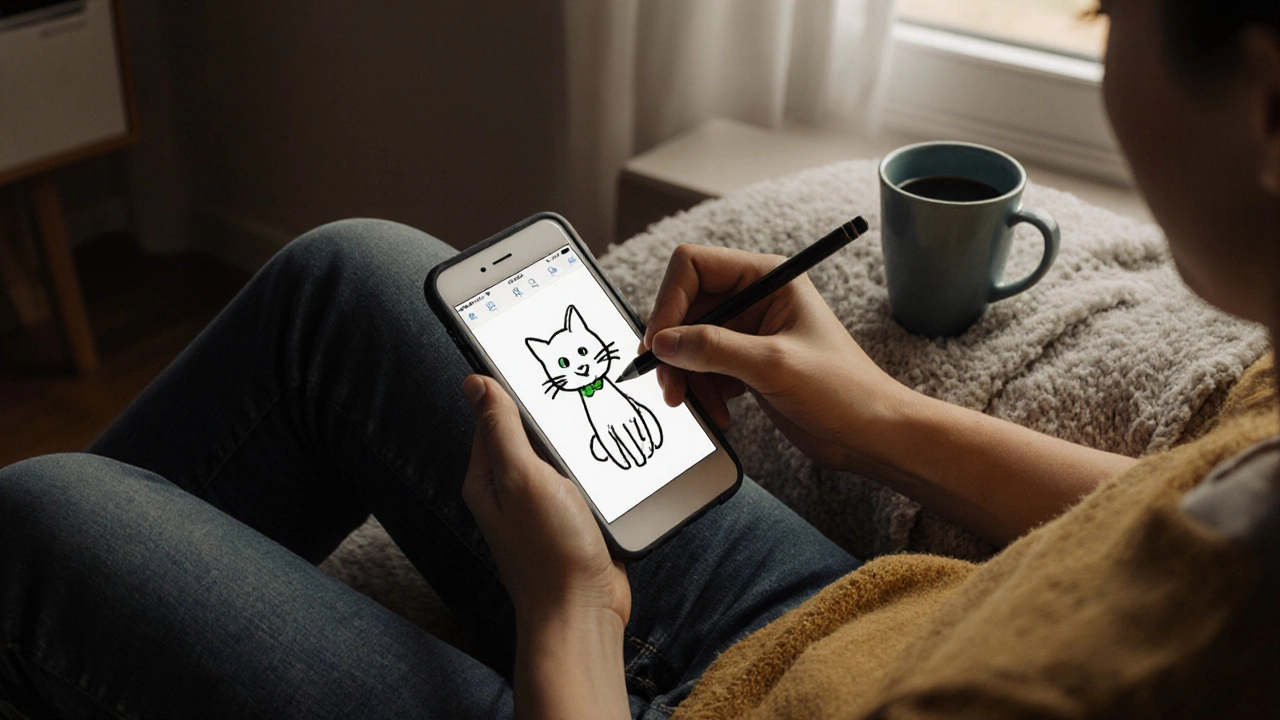
You don't need drawing skills or expensive tools to make digital art. It's about expression, not perfection. Here's how anyone can start creating today with just a phone and free apps.
When artists talk about art software, digital programs designed for creating, editing, and managing visual artwork. Also known as digital art tools, it lets anyone with a tablet or computer turn ideas into finished pieces without brushes or canvas. You don’t need a studio anymore—just a screen, a stylus, and the right app.
Art software isn’t just for pros. Many beginners start with free apps like Krita or Medibang, while professionals rely on Adobe Photoshop or Corel Painter for fine control over brush textures and color layers. These tools let you undo mistakes, duplicate elements instantly, and export files in formats that print shops or online marketplaces like Etsy can use. That’s why so many artists today use digital illustration, the process of creating images using software instead of traditional media to build portfolios, sell prints, or even launch NFT collections. It’s faster, cheaper, and more flexible than painting on canvas.
What makes art software powerful is how it connects to other parts of an artist’s workflow. You can sketch in Procreate, adjust colors in Affinity Photo, then send the file directly to a print-on-demand service—no scanning, no color correction headaches. That’s why posts here cover everything from turning art into prints to selling digital art online. Artists aren’t just using software to draw—they’re using it to run businesses. Tools like Clip Studio Paint help with panel layouts for comics, while Substance Painter lets 3D artists texture models for games or virtual galleries. Even musicians use similar software to design album covers or visuals for live shows.
There’s no single "best" art software—it depends on what you’re trying to make. If you want realistic oil brush effects, you’ll pick something with advanced blending. If you’re making quick social media posts, you’ll want something lightweight and intuitive. But no matter the tool, the goal is the same: turn vision into something others can see, feel, and buy. The posts below show exactly how real artists use these tools to make money, grow their audience, and stay creative without burning out. You’ll find guides on printing digital work, pricing it right, and choosing the right app for your style—no fluff, no theory, just what works in 2025.
You don't need drawing skills or expensive tools to make digital art. It's about expression, not perfection. Here's how anyone can start creating today with just a phone and free apps.